




Terraria Server Hosting
· Up to 71% OFF


Power your Terraria server with the right VPS plan
Host your Terraria game server with powerful VPS resources for uninterrupted gameplay.
 Linux VPS Windows VPS


Customize your Terraria world
Terraria blends exploration, crafting, building, and combat in a 2D sandbox world. You can mine resources, forge weapons, build elaborate structures, and take on challenging enemies while shaping your own path through the game.
Hosting your own Terraria server lets you shape multiplayer adventures around your playstyle. Tweak settings, set custom challenges, and explore, build, and battle formidable enemies with friends in a world you control.
View Plans
Set the stage for epic Terraria adventures
Take Terraria multiplayer to the next level with flexible VPS resources, simple server management, and reliable uptime.

Fast multiplayer performance
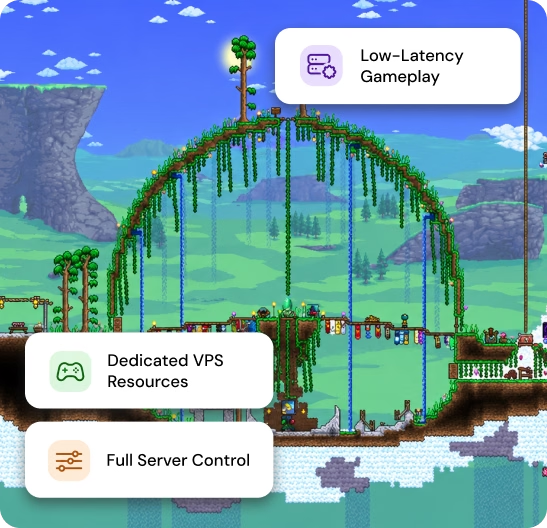
MilesWeb VPS hosting provides the processing resources needed to support responsive Terraria gameplay for small groups and larger multiplayer sessions.

Configurable server resources
Customize your Terraria server settings with MilesWeb VPS hosting and upgrade CPU, RAM, or storage resources as your gameplay requirements change over time.

Centralized server management
Manage server files, monitor CPU and RAM usage, configure game settings, and maintain backups through a centralized control panel with ease and flexibility.


Keep your Terraria world battle-ready
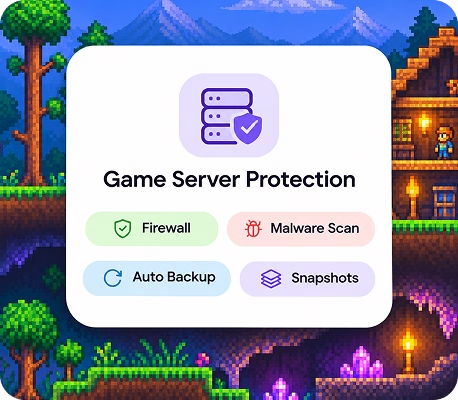
Defenses are already up. The built-in firewall and DDoS protection turn away uninvited guests, and the malware scanner removes harmful files with ease. Your world stays safe while you focus on playing.
Lost progress is no longer a risk. Automatic backups run quietly, and manual snapshots let you save a restore point anytime. If something breaks, bring your game data back in a few clicks. Recovery takes minutes, not hours.
Terraria server hosting FAQs
What is Terraria hosting?
Terraria hosting lets you run a dedicated game server where you and other players can explore, build, and fight together. Hosting your own server gives you control over game settings, player access, and multiplayer sessions.
How do I set up a Terraria server?
To set up a Terraria server, choose a VPS plan that meets the game's requirements, install the Terraria server software, and configure the world settings and player access. You can then share the server's IP address and port with friends so they can join your world.
What are the system requirements for hosting a Terraria server?
The system requirements depend on the number of players, world size, and server activity. A VPS with sufficient CPU resources, RAM, and SSD or NVMe storage can support multiplayer gameplay. Review your chosen plan's specifications to find a suitable configuration for your Terraria server.
Can I upgrade my VPS plan later on?
Yes, you can upgrade your MilesWeb VPS plan as your Terraria server requirements change. Additional CPU, RAM, or storage resources can help accommodate more players and increased server activity. Check the available plans to choose a configuration that suits your updated needs.
How many players can join my Terraria server?
The number of players your Terraria server can support depends on the server configuration, available resources, and gameplay activity. Terraria supports multiplayer sessions, but hosting capacity can vary with world complexity and server load. Choose a VPS plan that matches your expected player count.
What support options are available for Terraria server hosting?
MilesWeb provides 24/7 support through live chat, email, and support tickets. The support team can help with hosting-related queries, VPS management, and technical issues. Assistance with Terraria installation and server configuration may depend on your VPS management option.
Get 71% Off on Terraria World server today
Claim Offer NowTry it risk-free with our 30-day money-back guarantee.