


Mediawiki VPS hosting
- Up to 71% OFFHost MediaWiki on Your Own VPS

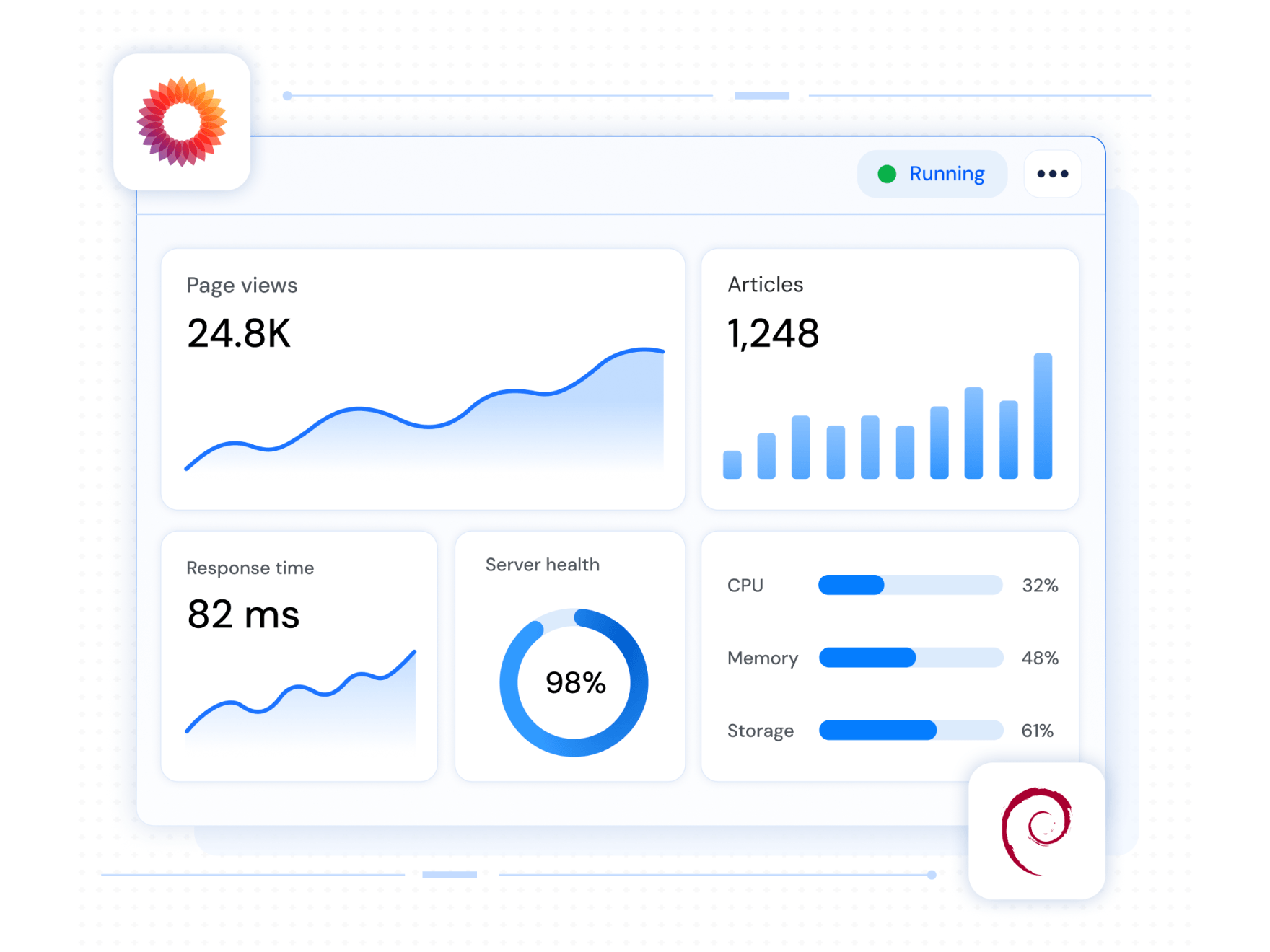



Choose the right VPS for your Mediawiki
MediaWiki performs best with dedicated resources. Compare our VPS plans and find one that fits your content volume and traffic expectations.
 Linux VPS Windows VPS
30-Day Money-Back
request a refund
— we’ll process it promptly withno questions asked
.

Why choose MilesWeb for Mediawiki VPS hosting?
Run your entire deployment pipeline on scalable, secure, high-performance infrastructure, built to handle everything Mediawiki needs.

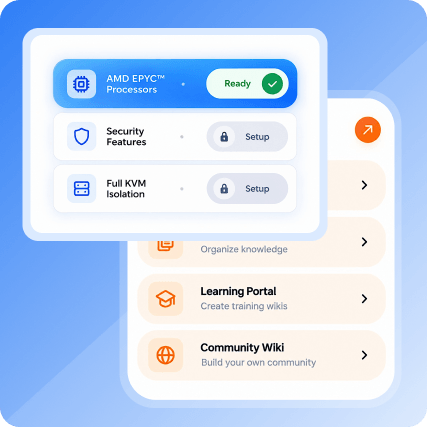
AMD EPYC™ Processors
MediaWiki handles a lot behind the scenes, page rendering, search indexing, revision history, and AMD EPYC processors give it the processing power to do that without lag, even as your wiki's article count grows.

Security Features Included
Self-hosting means the security responsibility sits with you, so we build in protection by default. Every MediaWiki deployment comes with malware scanning, a built-in firewall, and a dedicated IP address to keep your wiki and its contributors safe.

Customer success stories


MilesWeb has ensured seamless website performance and consistent service stability.
Read More Jaydev Solanki
CEO of Search Minds Pvt Ltd

The team has consistently delivered prompt and professional support whenever required.
Read More Gaurav Patil
CEO of Standard Wings Technologies
Built for teams who document everything
MediaWiki is an open-source platform built around one goal, making it simple for teams to create, edit, and organize content together, without needing a developer for every change.
It's the same software running Wikipedia, so it's proven at scale. Whether you're building internal manuals, a product knowledge base, or a public wiki, MediaWiki's lightweight markup language makes editing pages almost as easy as formatting a document, no deep coding knowledge required.


Mediawiki VPS Hosting FAQs
What is MediaWiki hosting?
Hosting MediaWiki means operating a server where you can install and run the MediaWiki software (the open-source platform that powers Wikipedia). Thus, with VPS Mediawiki hosting, you can build and run your wiki, knowledge base, or documentation site. With MilesWeb, that server is a VPS, where your wiki gets dedicated resources and full control.
What are the advantages of using a VPS for MediaWiki hosting?
A VPS provides MediaWiki with dedicated CPU, RAM, and storage so that the performance remains consistent as your article count, edit history, and traffic grow. Moreover, you get root access, high control, and better features so you can configure caching, extensions, and server settings exactly as per your wiki needs.
Which MilesWeb VPS plan is best for hosting MediaWiki?
The ideal plan depends on how big your wiki is and how many contributors or visitors you expect. Smaller wikis with little traffic work best with our entry-level plan, but bigger wikis with many edits, uploads, or public traffic need a plan with additional CPU and RAM similar to our high-tier plans. If you are confused between plans, share your expected traffic and content volume, and our support team will help you choose the right tier.
Do I need special knowledge to host MediaWiki?
Not at all. We support one-click MediaWiki deployment so the software installs and configures itself without any manual interference. While technical knowledge is not necessary, having basic knowledge helps manage a VPS if you want to change things later.
How to use the MediaWiki VPS template?
Once your VPS is provisioned, you choose the MediaWiki template from our one-click app library. It will take care of the installation and initial setup for you. Next, log into your wiki's admin panel to set your site's name, permissions, and any extensions you want to add.
What kind of support is available for MediaWiki hosting?
We offer 24/7 support for all VPS-related things, from server setup and performance issues to troubleshooting in general. We are more on the hosting/infrastructure side, but we can also walk you through MediaWiki-specific setup steps.
Get 71% Off on MediaWiki Hosting Today
Claim Offer NowTry it risk-free with our 30-day money-back guarantee.