


WordPress Migration India

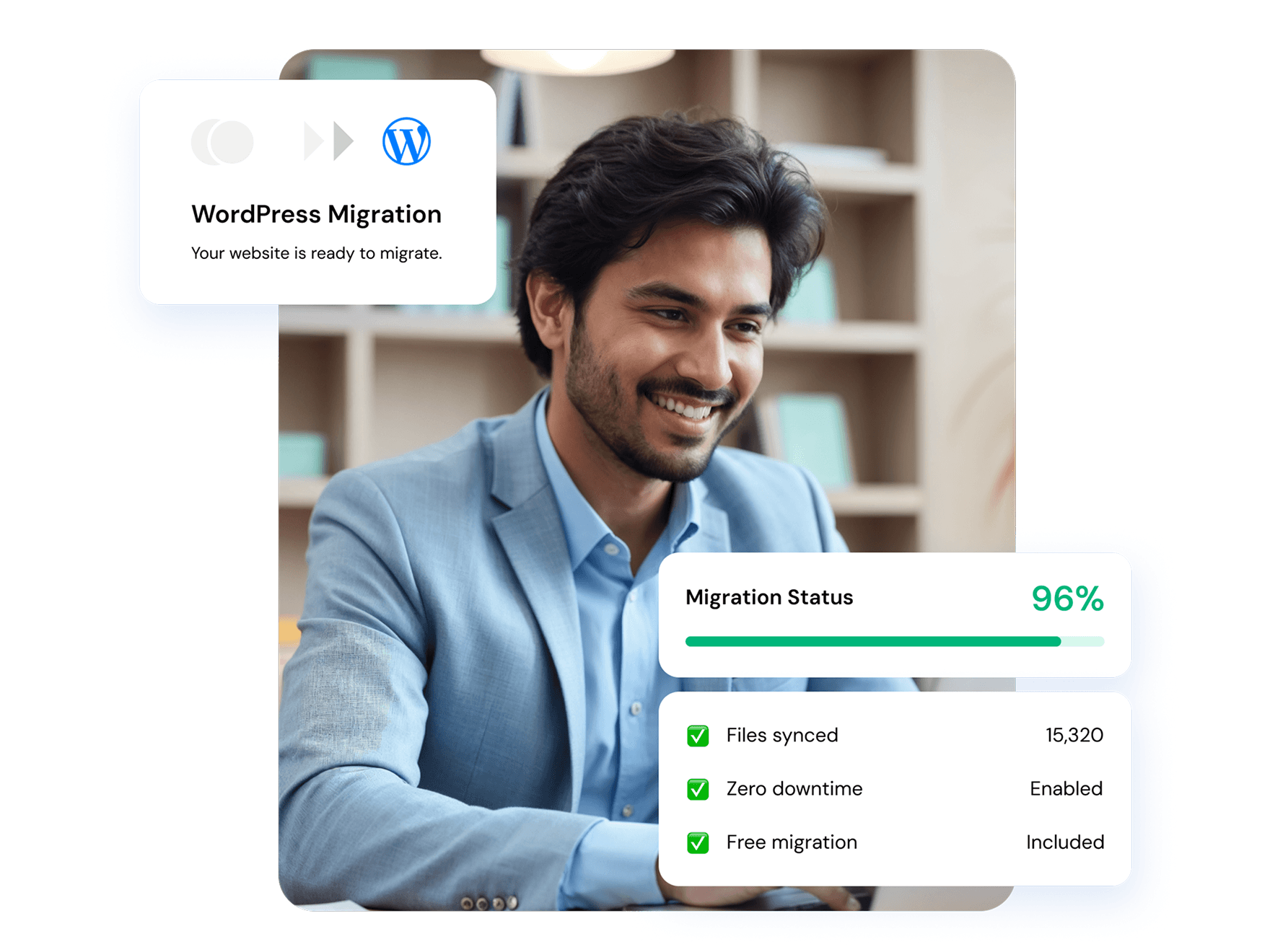



No technical expertise is needed at any stage. Simply choose your plan, and our expert migration team will handle the entire process for you.

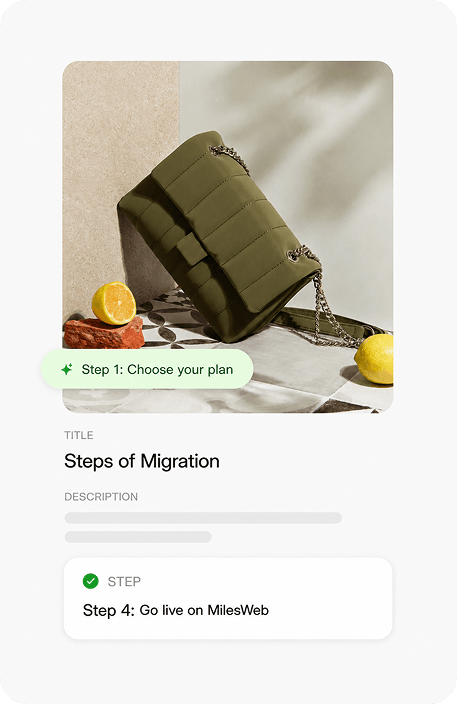
Pick the MilesWeb WordPress hosting plan that matches your website's size and traffic. Our team recommends the right plan if you are unsure about the GST invoice issued instantly.

Securely share your existing hosting login details or WordPress admin access with our team. We use standard secure transfer protocols and delete data immediately after migration.

Our team handles your complete WordPress migration including files, database, media, plugins, themes, and settings. We test your migrated site thoroughly before going live.

Once your migrated WordPress site is verified and tested on MilesWeb's servers, you can update your domain DNS settings. Your site goes live instantly without any disruption.
Shift performance gears with our easy WordPress migration
 Choose monthly or long-term 24/7 expert support 99.9% uptime guarantee Free migration included
For personal & business websites
More resources for growing websites

30-Day Money-Back
request a refund
— we’ll process it promptly withno questions asked
.

Customer success stories


MilesWeb has ensured seamless website performance and consistent service stability.
Read More Jaydev Solanki
CEO of Search Minds Pvt Ltd

The team has consistently delivered prompt and professional support whenever required.
Read More Gaurav Patil
CEO of Standard Wings Technologies
Your current host is not a barrier, our expert migration team moves your complete WordPress site to our robust servers for free, with zero downtime and zero data loss.

Already on Hostinger and considering a switch? We offer Indian servers, transparent renewal pricing, and 24/7 support at a fair and competitive renewal charge.

GoDaddy hosts your WordPress site on foreign servers. Switching from GoDaddy to us means Indian servers for faster loads, transparent renewals and proper GST invoicing.

Facing higher renewal hikes? We offer the same WordPress hosting quality on Indian servers at a fair renewal price while the migration costs you zero.
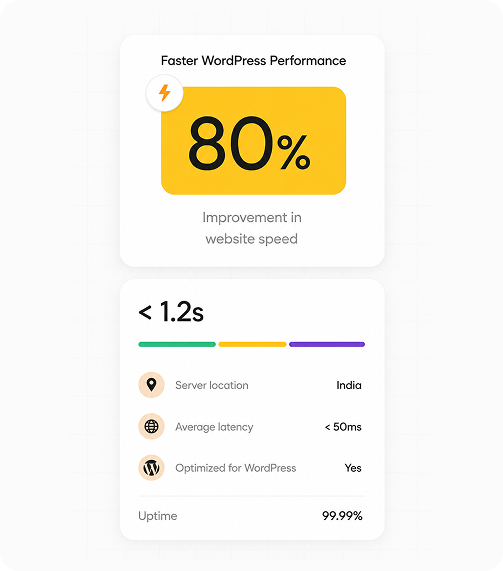
Server location directly impacts page speed, Google rankings, and visitor experience. Moving your WordPress site to MilesWeb's Indian servers improves everything.

Indian servers reduce that distance to a minimum, cutting latency, improving load times, and delivering a faster browsing experience for every Indian visitor to your WordPress site.

Google uses server location as a local SEO signal. Migrating to MilesWeb's Indian servers improves your local SEO performance, helping your site rank higher.

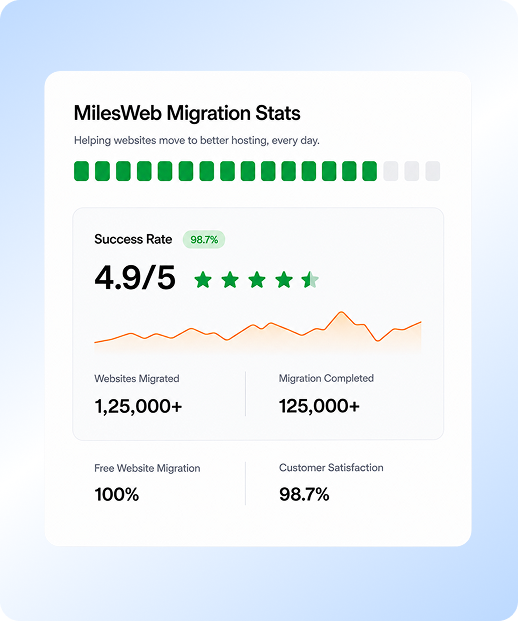
Every WordPress migration at MilesWeb ensures all your data is safe. We have an expert team that carries out a thorough pre-launch verification process before your site goes live.

Foreign hosting providers bill in USD or GBP. MilesWeb bills entirely in INR, thus you get no budget uncertainty and no hidden conversion charges.
Whether you are migrating yourself or letting our team handle it, this checklist covers every task that needs to happen for a successful, zero-downtime WordPress migration.
Hear what our customers have to say
We highly appreciate the kind and stellar feedback from our customers immensely.


Get All Your WordPress Migration Questions Answered!
What is WordPress migration with MilesWeb?
In simple terms, a WordPress migration process involves transferring your WordPress website from one hosting provider (server) to another provider (nother server) without impacting the performance of your site. WordPress migration is a simplified process with no additional charges with any of our cheap WordPress hosting plans.
Will my email accounts be moved as well?
WordPress migration and email accounts are different; hence, if your email and website are hosted together, you'll need to transfer your email separately from your website. We can assist with transferring email accounts that are currently using cPanel, and for further assistance, you can connect with our support team anytime.
Will any website content be lost in the transfer process?
Your website's data security is our priority. With our expert professionals, proper backups, and expertise in WordPress migration services, data loss during the transfer process is unlikely to happen. However, creating a backup before migration is always recommended.
Will my website become inaccessible during the WordPress site transfer?
While minimal downtime is expected during migration, MilesWeb strives to minimize interruptions. We have the fastest migration time and keep all your files accessible. However, if your website is complex, it might require more time or lead to temporary inaccessibility.
What should I do when I move the WordPress site to a new host?
Once your website is migrated to MilesWeb, you'll receive an email with all the credentials and other details, like updating DNS settings, testing all website functionalities, redirecting old URLs to new ones, and more. Check out the mail, do as directed, or contact us directly for assistance.
How long will it take to migrate the WordPress site to a new host?
MilesWeb has the record migration timeframe. Our migration team is trained to handle technical processes with speed and security. Usually, the time required for WordPress migration varies on your website size and complexity, i.e., between a few hours and one business day.
Who is eligible for the free WordPress website migration services by MilesWeb?
MilesWeb offers WordPress site migration service to all new accounts. The only criterion is that you should have signed up with a registered account and received your welcome email.
Will my website’s SEO be affected by the move?
Absolutely Not! In fact, by migrating your website to MilesWeb's robust, fast servers, you get to experience the power of core web vitals. Speed, performance, top-notch features, and other powerful SEO specs provided by MilesWeb effectively enhance your SEO ranking positions.
Is there any website migration checklist to ensure that no data is lost?
Of course. While we assure a seamless migration process from our end, it's always better to be ready for any mishaps. With a website migration checklist, you can ensure a smooth transition and avoid data loss.
- Back up everything thoroughly before you start.
- Choose from our reliable new hosting services.
- Plan the migration in advance, with all the backups.
- During the transfer, download website files and databases and upload them to the new servers.
What to do after website migration?
While our support team is there for any help, after the migration, you too need to focus on updating your WordPress plugins and themes. You need to update DNS records after migrating.
Once migration is done, monitor and verify that everything works properly, along with optimizing website speed and improving SEO. Regularly monitor the website performance and address any issues promptly.
How to choose the right WordPress hosting plan?
Here are some of the important points you need to consider before choosing a WordPress hosting plan:
- Know your WordPress website needs
- Check the features/tools you need from a hosting provider.
- How many websites do you want to host?
- Research if your hosting provider is within your budget.
Will I get help if I face any technical issues with my WordPress site?
Of course! MilesWeb is here to assist with whatever technical issues you have 24/7/365 days. Our in-house WordPress experts are always on hand to resolve your issues and queries as soon as possible. We also offer managed WordPress hosting plans for hands-off website management. You can initiate a chat with our team on live chat or reach out via email.
Get 80% Off hosting + Free domain
Claim Offer Now30-day money-back guarantee • No hidden charges