

Renewing web hosting services is needed for your website to remain active. It ensures security, performance, and never-ending access to the essential features. This guide has simple renewal procedures to ensure seamless website operation.
Steps to Renew Your Services
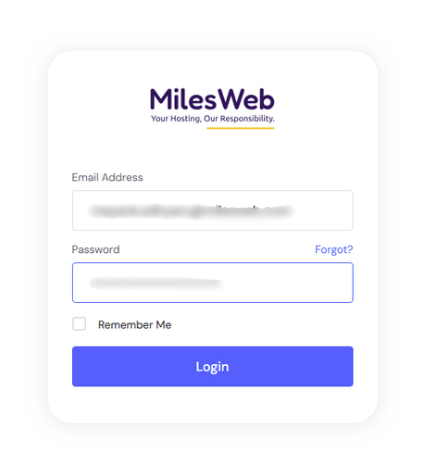
1. Access your account by logging in to the Client Area using your login credentials.
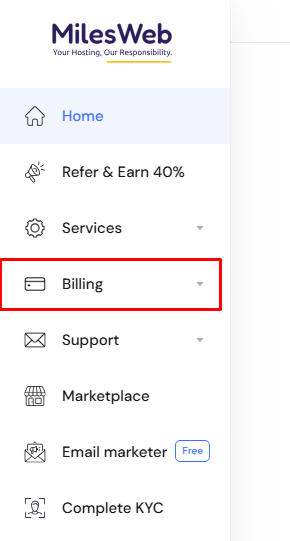
From the left side of the dashboard, navigate to the “Billing” option.
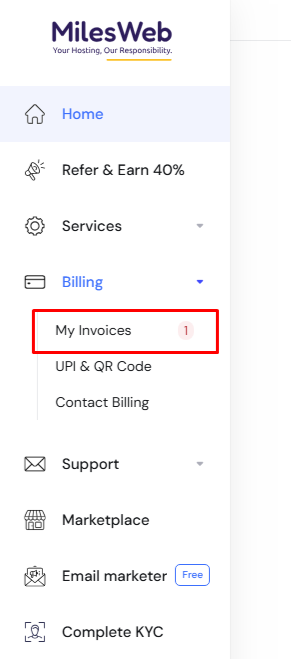
Click on “My Invoices” from the dropdown menu to view your invoice details.
You will see a list of all paid and pending invoices associated with your account.
Select the pending invoice for the service you want to renew.
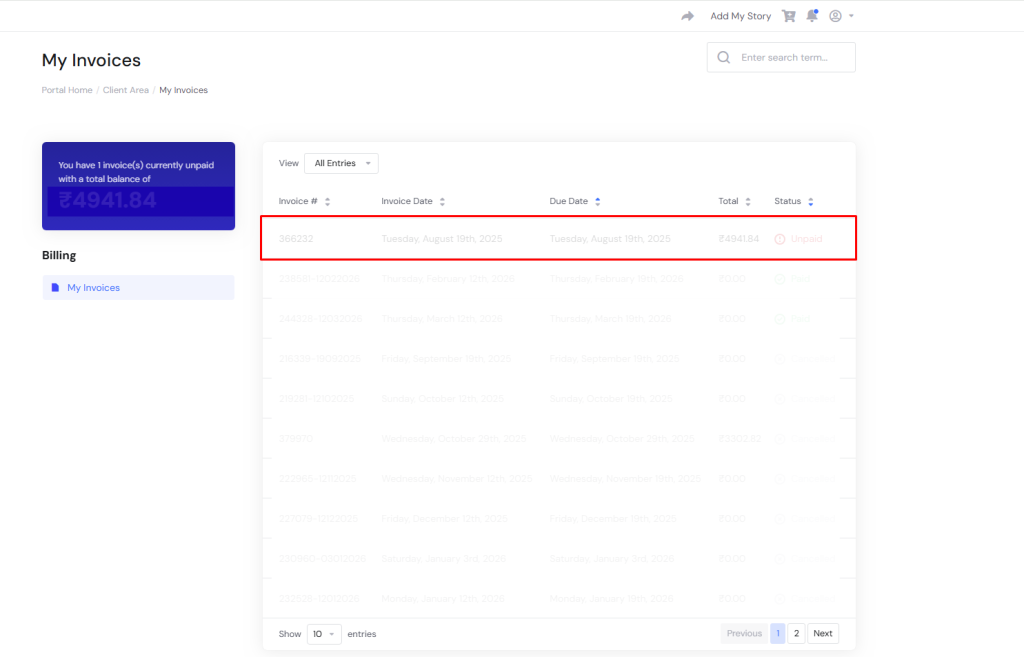
Review the details of the unpaid invoice and confirm the amount before proceeding.
Choose your preferred payment option, such as Card, UPI, or Net Banking.
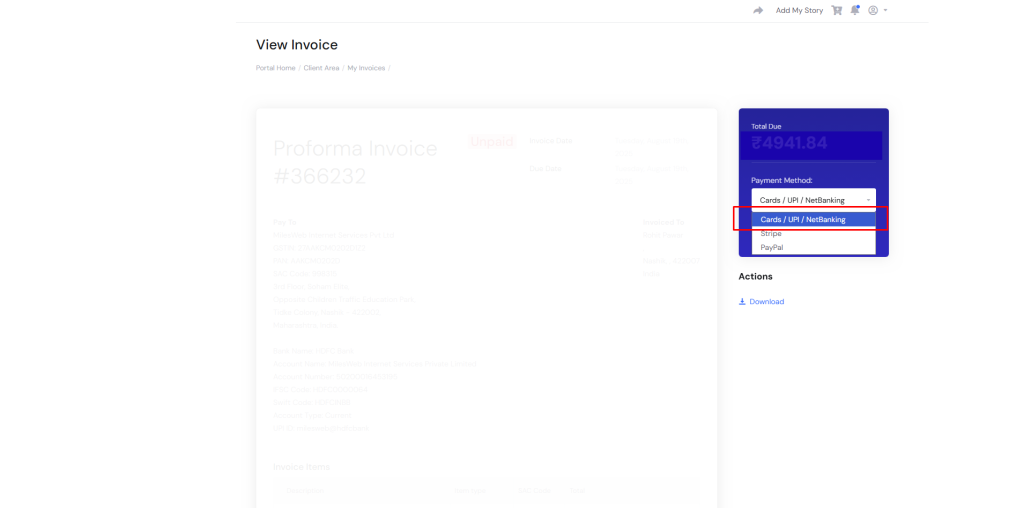
Click on “Pay Now” to finalize the payment.
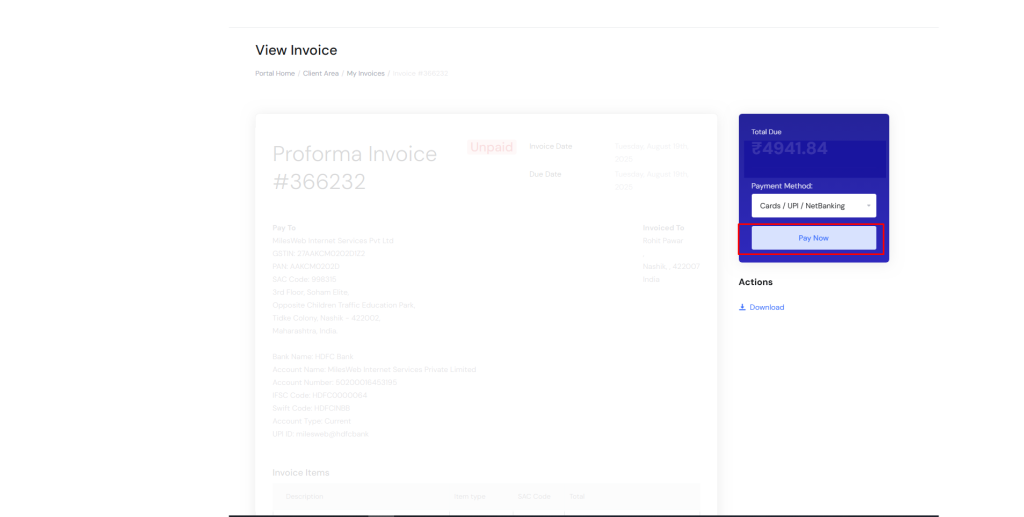
Once the payment is successfully processed, your web hosting services will be renewed automatically.
Service renewal is a fast and crucial measure that ensures your website remains active. If prior renewal is done before the expiry date, you are assured of uninterrupted performance, security and reliability. Also make it a habit to check your service status regularly for uninterrupted web hosting services.






