

If you don’t want to reset your email password through mPanel, you can easily do it directly from the Webmail interface. This method is quick, user-friendly, and works well when you already have access to your webmail account.
Follow the steps below to update your webmail password through your browser.
Steps to Reset Password via Webmail
- Open your web browser and visit:
mail.domainname.tld
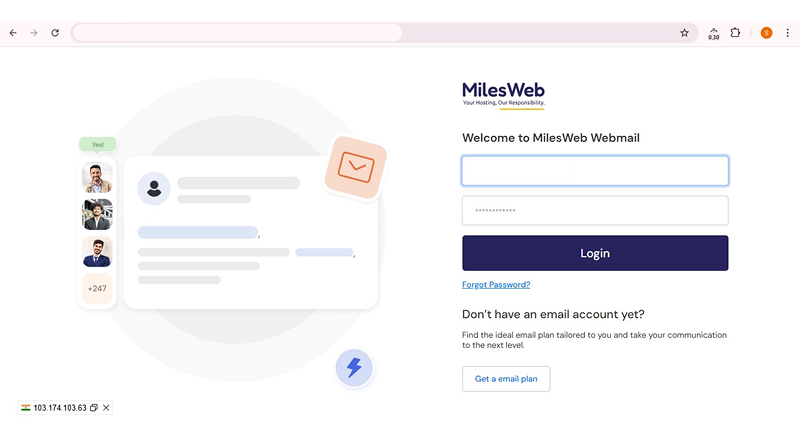
- Log in to Webmail using your existing email credentials.
- Once logged in, go to the Settings section.
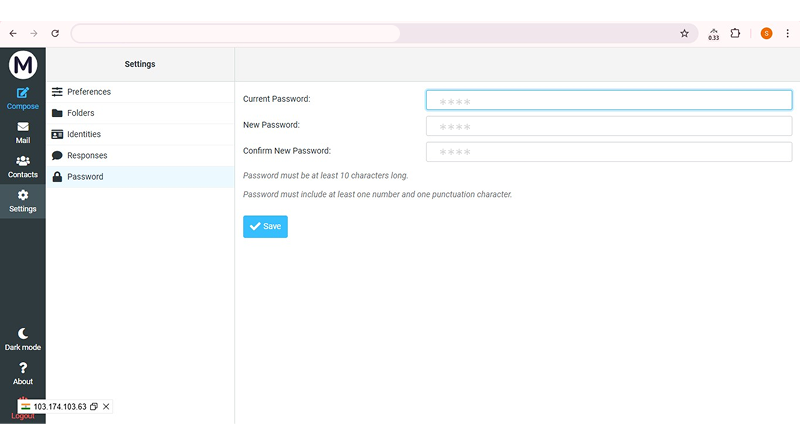
- Locate the Password or Change Password option.
- Enter your current password in the required field.
- Now, enter your new password and re-type it in the confirmation field to ensure accuracy.
- Click on Save to apply and finalize the changes.
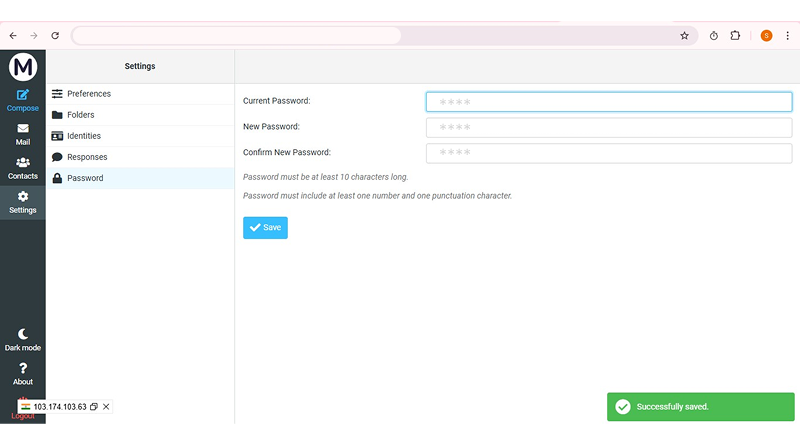
Great! Your webmail password has now been successfully reset.
Conclusion
Resetting your webmail password through the Webmail portal is a convenient option, especially for users who prefer not to access mPanel. As long as you remember your current password, you can update it anytime within a few minutes. Make sure to choose a strong password to keep your email account secure.






