Gaurav Bodhare
Building a Python application is one of the most satisfying experiences a developer can have—watching your logic come to life and seeing complex data transform into a functional tool. But that “win” usually hits a roadblock the moment you try to move your code from your local machine to a live server. Suddenly, the environment that worked perfectly on your laptop produces errors because the web host lacks the necessary Python configurations.
The good news is that the right infrastructure turns that transition into a victory lap rather than a troubleshooting marathon. When you host Python website projects on a platform built for developers, you get the freedom to experiment, the speed to scale, and the reliable web hosting support that keeps your code running exactly how you intended.
Summary (TL;DR)
The best Python hosting providers combine pre-configured Python environments, scalability, performance, and developer-friendly tools to simplify deployment and management.
Leading options like MilesWeb and other top hosts offer support for frameworks such as Django and Flask, along with features like SSD/NVMe storage, free SSL, automated backups, and 24/7 expert support.
When choosing a python hosting provider, prioritize uptime reliability, speed, ease of deployment, and pricing transparency to ensure your Python applications run efficiently without operational overhead.
Table Of Content
How Do WSGI, SSH, and PIP Improve Python Hosting?
To deploy Python app versions successfully, your server needs a specific set of tools. When these are pre-configured, you can focus on building features instead of fixing server-side library conflicts.
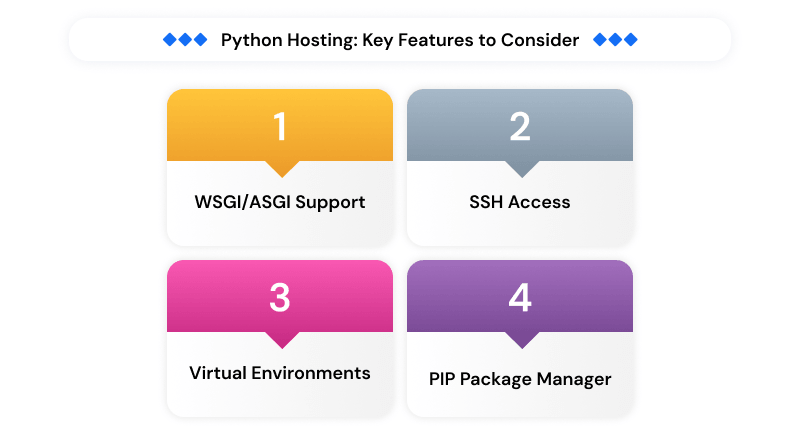
- WSGI/ASGI Support: This acts as the essential handshake between the web server and your Python code. Your host needs to support Gunicorn or Uvicorn to actually map your code to a live URL.
- SSH Access: Managing a professional app requires more than a file uploader. Managing your environment requires a secure command line to execute scripts, configure your Linux VPS hosting setup, and push real-time updates.
- Virtual Environments: To keep your projects functioning properly, isolation is key. A quality host lets you create venv or virtualenv spaces so different projects never clash over specific library versions.
- PIP Package Manager: Your workflow depends on dependencies. Running pip install -r requirements.txt on the server ensures your live environment matches your local setup exactly.
Top 5 Python Hosting Providers: A Comprehensive Technical Review
1. MilesWeb

MilesWeb provides a welcoming environment for developers with a server setup that truly reflects a Python-first mindset. The infrastructure manages the resource demands of Python scripts natively, which eliminates the friction of a generic server setup. This proactive approach removes the technical friction that often stalls new deployments.
MilesWeb includes a built-in Python selector in the dashboard, allowing you to pick your version and map your application root with a few clicks. With LS Cache keeping your response times low and a support team that actually understands error logs, MilesWeb provides a reliable Python infrastructure that feels like a natural home for your code. This platform provides a “set it and forget it” experience for developers who prioritize high-tier performance without the manual overhead.
Technical Execution Highlights
- Python-Optimized Server Stack
- Integrated PIP Package Management
- LS Cache for High-Speed Delivery
- 24/7 Active Python Support
- 1-Click Application Installer
2. A2 Hosting (Hosting.com)
Everything you need to host a Python app—from WSGI support to terminal access—is already in place here. A2 hosting utilizes NVMe storage, which makes a noticeable difference when you host Python application builds that require heavy database interaction or frequent file reads.
Their “SwiftServer” platform is designed to minimize latency, giving your users a snappy experience from the very first click. It’s a sturdy, developer-friendly environment for those who like a bit more “hands-on” control over their server-side fine-tuning.
Technical Execution Highlights
- Turbo-Charged NVMe Storage
- Multiple Python Version Support
- Root-Level SSH Access
- Free SSL & Security Tools
- High Security Global Data Centers
3. IONOS
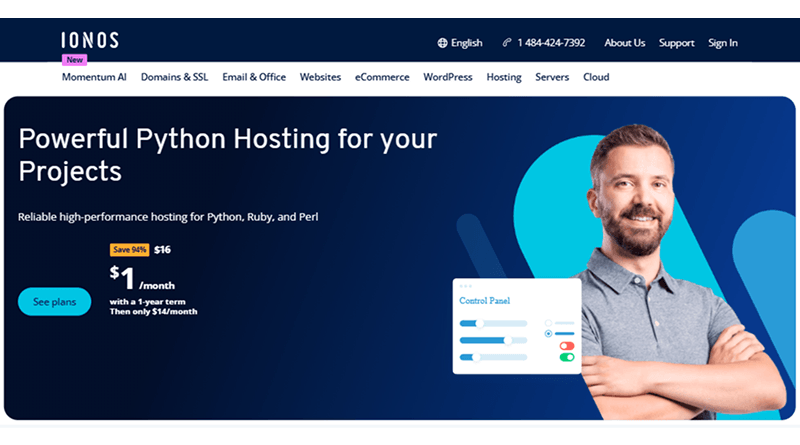
IONOS focuses its enterprise hosting on “no-single-point-of-failure” architecture for Python developers who cannot afford downtime. By syncing your data across multiple websites, IONOS ensures that a local server issue won’t take your Python project offline. If a server fails, a backup takes over so quickly that your users won’t even realize there was a problem.
This stability serves high-traffic Python projects that require uniform performance across global regions. While the interface adopts a corporate tone, the underlying network provides the reliability necessary for long-term scaling.
Technical Execution Highlights
- Geo-Redundant Hardware Architecture
- Scalable CPU and RAM Tiers
- Managed Security & Updates
- Professional Email Integration
- Daily Off-Site Backups
4. YouStable
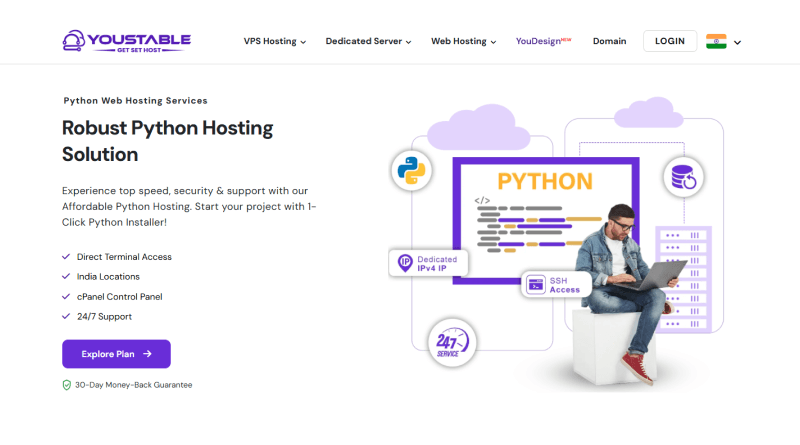
YouStable is an excellent choice for the Indian market because they keep their servers close to your audience. By reducing the physical distance between the server and your users, they offer much lower ping times—a massive win when you host Python website assets for domestic visitors.
They use LiteSpeed web servers, which are built to handle high concurrency much better than older setups. This keeps your application responsive and fast, even during a sudden surge in traffic.
Technical Execution Highlights
- Indian Data Center Locations
- LiteSpeed High-Performance Web Server
- Imunify360 Security Protection
- Free Managed Migration Service
- Direct Python Terminal Access
5. Kamatera
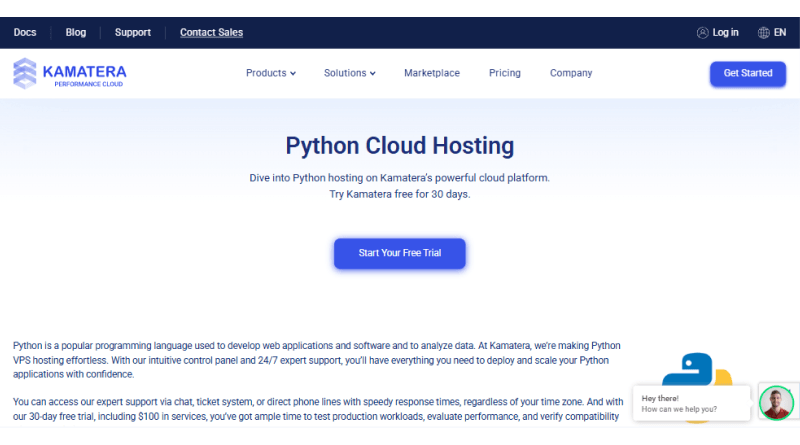
Kamatera is the ultimate “blank canvas” in the cloud. You only pay for what you use, and you have total control over the operating system. This is the preferred route for advanced developers who want to experiment with different Linux distributions or need to install custom background processes that other hosts might restrict.
The ability to scale your RAM or CPU in seconds makes it perfect for testing the new deployed Python app workflows without being locked into a rigid plan. It’s a flexible, high-performance option for those who want to manage every detail of their environment.
Technical Execution Highlights
- Pay-as-you-go Resource Pricing
- Instant Server Deployment
- Intel Xeon Platinum Processors
- Full Root Administrative Access
- Custom OS & ISO Support
How to Host Python Application Projects Successfully?
Moving your code to the web is an exciting milestone. A clean, professional workflow ensures your application remains stable and secure from its initial launch.
- Map Your Requirements: Before you push your code, run pip freeze > requirements.txt on your local machine. This file acts as the blueprint for your server, ensuring it installs the exact library versions your code needs to run. This one step prevents the “it works on my machine but not the server” headache.
- Create a Virtual Environment: Think of a virtual environment as a private sandbox for your app. Running python -m venv venv on the server isolates your project libraries, which keeps the environment clean and prevents different applications from clashing over version requirements.
- Deployment via Git: Move past the era of dragging and dropping files over FTP. Using Git to push your code to a repository and then pulling it to your server via SSH is faster, more secure, and lets you “undo” a bad update in seconds by rolling back to a previous commit.
- Static File Configuration: Python is brilliant at logic, but it shouldn’t be wasted on serving images or CSS files. Directing your web server—like Nginx or Apache—to serve your /static/ folder lets your Python app focus on processing logic instead of handling basic file requests. This minor adjustment reduces lag and accelerates loading times for every visitor.
Comparison of Best Python Hosting Providers
| Provider | Core Strengths | Python Support & Environment | Storage & Speed |
|---|---|---|---|
 |
Managed Ease & Global Scaling | Optimized Python platform, 1-click installers, SSH/Terminal access | NVMe SSD, 1 Gbps Network |
 |
Turbo-Charged Performance | cPanel Python Manager, support for Django/Flask, Git integration | Turbo Servers (NVMe), AMD EPYC |
 |
Scalable Infrastructure | Versatile VPS, support for Python, Ruby, and Perl frameworks | Redundant SSD, Global Data Centers |
 |
Affordable Developer Tools | 1-click Python deployment, latest versions, Terminal access | 100% Pure NVMe SSD |
 |
Custom Cloud Resources | Full Root Access, support for Python 3.8–3.12, isolated instances | Intel Xeon Platinum, NVMe SAN |
Final Takeaway: Your Path to Python Hosting Excellence
The hosting you choose today is the foundation for everything you build tomorrow. A specialized host doesn’t just give you a place to store files; it offers the infrastructure that understands the technical nuances of your code. When your infrastructure is technically ready for Python from the first login, you can stop troubleshooting and start creating.
MilesWeb delivers a streamlined deployment process. Their pre-integrated PIP installer and optimized environment take care of the server-side work, so you can just focus on your code. It provides a high-speed home for your application that scales as fast as your ideas do.
A professional, Python-ready setup provides the reliable foundation your business needs to stay competitive. By choosing a partner that prioritizes technical precision and active monitoring, you are securing the future of your digital assets.
FAQs
1. Can I host multiple Python websites on one hosting account?
Absolutely. Most professional plans let you run several websites at once, provided you have the disk space. The best approach is to use a separate virtual environment for each website to prevent any dependency conflicts. This is the most efficient way to host Python website projects side-by-side without one site’s update breaking another.
2. How to choose the right Python hosting plan for my project?
The choice of an appropriate Python hosting plan depends on the resource requirement of your app. For a script test, a basic plan is sufficient. However, if you run a framework like Django with high traffic, the dedicated RAM of a VPS is necessary. You want enough overhead to deploy Python app versions without the server lagging during the process.
3. What are the benefits of using a Python hosting service?
The real win is skipping the manual server setup. Instead of dealing with path errors or installing compilers yourself, you get an environment that’s already built for your code. It’s the most straightforward way to host Python application projects because you can just log in, hit the terminal, and start running your scripts without the typical configuration issues.
4. Is shared hosting good for running Python applications?
Shared hosting is a fine starting point for small scripts or personal portfolios, but it has limits on processing power. If your application handles a lot of data or requires custom server modules, you might find the shared environment too restrictive. For professional projects, moving toward a more robust setup is usually the better path to maintain speed.