
 Gaurav Bodhare

The fastest Angular apps rarely win because of the code alone. They win because of where that code runs, since framework-level optimizations only carry a build partway before the server underneath takes over. Infrastructure, which most teams only consider after something breaks, determines everything from the first load to how well an app holds up under real traffic.
Static-site hosting rarely meets that bar, while cloud hosting stacks tuned for Node.js runtimes and SSR pipelines actually match what Angular requires. In this post, we’ll explore what separates dependable Angular infrastructure from hosting plans that only claim to support it, along with the providers actually delivering on that promise.
Table Of Content
What Is Angular Web Hosting?
Angular hosting servers run compiled builds, whether static, server-rendered, or hybrid, on infrastructure built around Node.js runtimes and modern build tools. That’s a step up from generic shared hosting made for PHP-style sites. Reliable Angular app hosting accounts for SSR rendering, client-side routing, and asset compression from the ground up so developers move from a local build straight to a live URL without patching together workarounds mid-deployment. Cloud VPS hosting is usually what makes that flexibility possible, giving compiled Angular apps room to scale without a full plan migration later.
What Should You Look for in Angular Hosting?
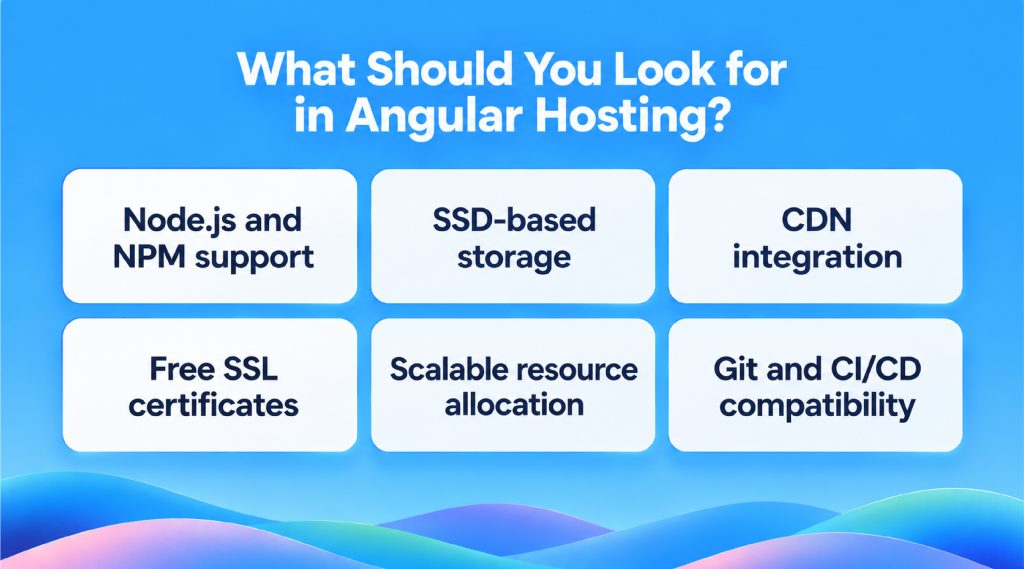
A hosting plan can look impressive on a features page and still choke under a live Angular build. Node.js hosting compatibility, SSD-backed storage, and predictable uptime are far more important than a polished dashboard. The following factors matter most:
Priority 01
Node.js and NPM support
SSR builds and Angular Universal both need an active Node runtime. Skip native Node support and package installs, build scripts, and server-side rendering and start failing early.
Priority 02
SSD-based storage
SSDs speed up how compiled assets load, which matters most for image-heavy or component-dense builds. HDD-based plans still fall short here, and caching only closes part of that gap.
Priority 03
CDN integration
A CDN node near the user handles the static files instead of the origin server, so page speed stays steady regardless of where someone’s browsing from. Traffic spikes get absorbed at the CDN layer too, well before they reach the actual server.
Priority 04
Free SSL certificates
Every modern Angular deployment needs HTTPS by default, both for user trust and search rankings. Manually renewing certificates on every provider adds unnecessary overhead.
Priority 05
Scalable resource allocation
A suitable plan already has the room to handle them, rather than charging extra once the spike hits. Vertical scaling on demand keeps a launch day from turning into an outage.
Priority 06
Git and CI/CD compatibility
Deployment pipelines save time, and hosting that supports Git-based workflows removes manual upload steps entirely.
How Do These Best Angular Hosting Providers Compare?
Feature lists often fail to provide a complete picture until providers are evaluated side by side under the same criteria. Some lean toward free cloud VPS flexibility for smaller builds, while others are tuned for high-traffic production apps carrying dedicated resources. The table below breaks down how each provider actually performs against the same criteria.
| Provider | Performance | Scalability | Ease of Use | Best For |
|---|---|---|---|---|

|
NVMe SSD, native Node.js + SSR | Vertical auto-scaling, zero downtime | One-click Git CI/CD deployment | Production SSR/CSR apps |

|
SSD storage, Node.js on VPS | Manual RAM/CPU upgrades | Beginner control panel | Small to mid SSR builds |

|
Multi-region data centers, DDoS shielding | Dedicated server tier upgrades | Requires config knowledge | Enterprise, multi-region apps |

|
Turbo Server caching, root access | Scales via VPS resource tiers | Manual Node.js version setup | High-traffic CSR apps |

|
NVMe VPS, low-latency network | Instant on-demand resource scaling | Simple panel, fast migration | Scaling mid-size apps |
Top 5 Angular Hosting Providers in 2026
Many platforms list Angular support on their features page, but only a few actually build their infrastructure around it. The five below stand out for combining SSR readiness, Node.js support, and pricing that scales sensibly. Each one approaches cloud hosting provider duties a little differently, so the fit depends on team size, budget, and how much control is needed over the server layer.
1. MilesWeb

MilesWeb’s Angular hosting stack is built around what Angular actually demands: active Node.js runtimes, NVMe SSD storage, and one-click deployment tools that skip the manual configuration most providers still expect users to handle. MilesWeb offers native SSR support, free SSL, and a global CDN layer bundled in by default, and the support team handles server-level Angular issues directly instead of redirecting to generic documentation. Every plan includes staging environments, so testing an update never touches the live build, and resource scaling happens without downtime. We also provide flexible entry-level plans built for smaller Angular projects that plan to scale over time.
Key features
- NVMe SSD storage across all Angular hosting plans
- Native Node.js and NPM support for SSR builds
- One-click Git deployment integration
- Free SSL, CDN, and daily backups included
- 24/7 technical support familiar with Angular Universal
- Staging environments on every hosting tier
2. Hostinger
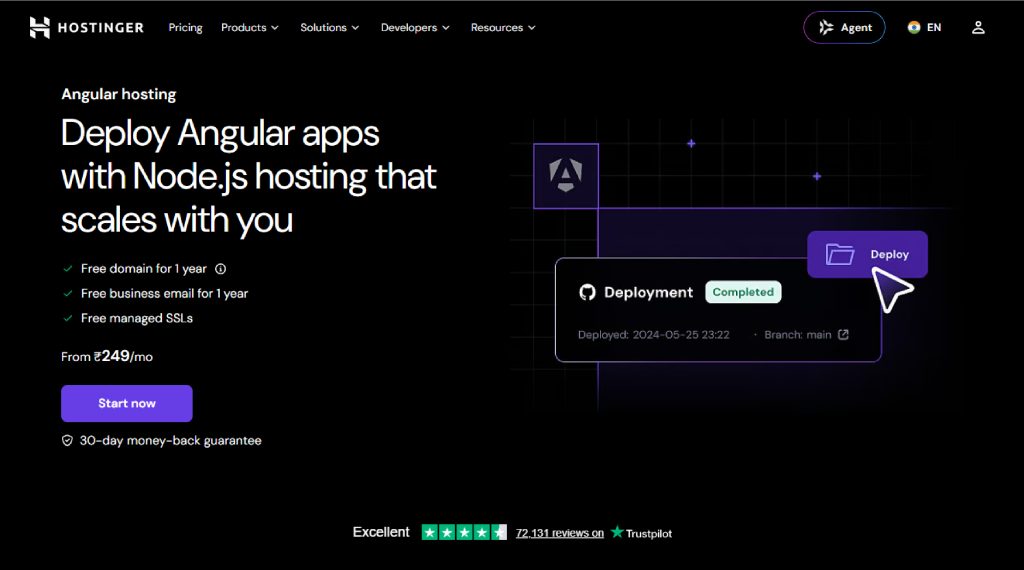
Affordability tends to be the first thing people notice about Hostinger, though the Node.js support underneath holds up better than the price tag suggests. The dashboard stays simple, Git deployment works without extra configuration, and the VPS tier carries enough resource headroom for small to mid-sized SSR applications. Teams weighing Google Cloud hosting against something lighter often land here first, trading a bit of enterprise flexibility for a setup that gets a build live faster.
Key features
- Node.js hosting available on affordable VPS plans
- Git-based deployment support
- SSD storage on all tiers
- Beginner-friendly control panel
- Weekly automated backups
- Scalable VPS resource plans
3. IONOS

Enterprise teams gravitate toward IONOS for a reason. Dedicated and VPS tiers here get built around predictable uptime and the freedom to pick a data center region instead of accepting whatever default gets assigned. Angular SSR builds run without friction on their Node.js-supported plans, and DDoS protection comes standard rather than as a paid extra. SSL security comes bundled across every tier too, cutting out one more manual step before a production app goes live.
Key features
- Multiple global data center locations
- DDoS protection included by default
- Node.js and Docker support on VPS tiers
- Free domain with annual plans
- 99.9% uptime guarantee
- Scalable dedicated server options
4. A2 Hosting [hosting.com]
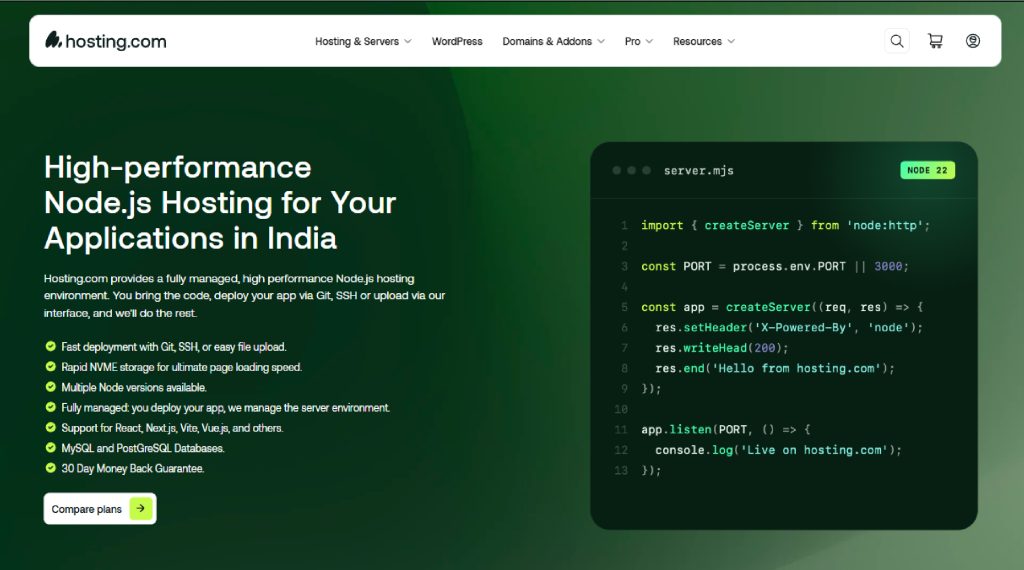
The Turbo servers here are designed specifically for raw page-load speed. That pays off directly for Angular apps leaning heavily on client-side rendering and frequent asset requests. Root access on every VPS plan makes managing custom Node.js versions genuinely straightforward for developers running specific runtime environments. SSL security comes free across the board, and the support documentation covers Angular deployment scenarios with more depth than most budget-tier competitors bother writing.
Key features
- Turbo Server option for faster page loads
- Root access on VPS and dedicated server plans
- Free SSL on all hosting tiers
- Anytime money-back guarantee
- Server-level caching support
- Multiple Node.js version compatibility
5. Ultahost

NVMe-powered VPS infrastructure is the core pitch at Ultahost. It’s aimed squarely at developers who want dedicated resources without paying enterprise-level rates for them. Angular projects benefit from instant scaling here, since resource limits adjust as traffic grows instead of forcing a manual plan upgrade mid-launch. Developers who want a control panel that stays simple tend to end up here. It doesn’t give up backend flexibility for custom Node.js configurations either.
Key features
- NVMe SSD storage across VPS plans
- Resource scaling that kicks in instantly
- Free migration assistance included
- Network protected against DDoS attacks
- Choice of OS and control panel
- Live chat support around the clock
How Do You Deploy an Angular Application on a Hosting Server?
Deploying an Angular app involves several interconnected components, and the sequence in which they are executed is more crucial than any individual step. Editing server-side configuration through a browser-based JavaScript code editor has made this whole routine faster for teams releasing updates often, turning Angular deployment into something closer to muscle memory than a recurring headache. Here’s how the process typically breaks down:
01
Build the production bundle
The Angular CLI handles the process with production flags turned on, stripping the output down to minified, optimized files.
02
Choose a transfer method
Some teams push through Git, others still rely on FTP, and CI/CD pipelines handle the rest automatically once configured.
03
Configure server routing
Without Nginx or Apache pointing to the correct entry file, the client-side routes in Angular will throw a 404 error as soon as someone refreshes the page.
04
Enable SSR if needed
Server-rendered builds won’t stay up on their own, so a Node.js process needs to keep running in the background, and PM2 is what most teams reach for.
05
Verify SSL and domain settings
Before flipping the switch, it helps to double-check that the certificate is live and the domain is actually pointing where it should.
06
Test under real traffic conditions
A soft launch or load test beforehand usually surfaces routing or rendering problems before actual users do.
What Makes Angular Hosting Reliable for Production?
Reliability in production isn’t just the uptime number printed on a pricing page. Many providers now let automation tools such as n8n trigger deployments directly, cutting manual work between build and release. Teams running Angular alongside a Golang backend still need infrastructure that holds latency steady once real traffic arrives.
Priority 01
Redundant server architecture
Failover systems keep an application live even when a single server component runs into trouble.
Priority 02
Automated daily backups
A failed deployment shouldn’t necessitate a complete rebuild, and daily backups typically reduce recovery time to minutes.
Priority 03
Real-time monitoring
Resource spikes caught early almost always prevent noticeable downtime.
Priority 04
Dedicated app server resources
Shared resource pools tend to buckle unpredictably the moment traffic surges.
Priority 05
Version-controlled deployments
Rolling back a broken release should be as simple as the deployment itself.
Priority 06
Security patching on a fixed schedule
Outdated server software remains one of the most common causes of preventable downtime.
Closing Insights
Each provider on this list excels in a specific area. Hostinger fits early-stage builds where speed matters more than added complexity. Enterprise teams weighing region control and uptime guarantees generally have IONOS in mind. Raw page-load performance is where A2 Hosting draws developers in, and Ultahost keeps growing projects from facing a difficult migration down the line. None of these are wrong choices; they simply solve for different priorities.
At MilesWeb, our key differentiator is the depth of our services. Native SSR support, staging environments on every plan, and infrastructure tuned specifically for Angular builds rather than retrofitted for them—that combination is hard to match once a project moves past the experimental stage.
Angular applications are only getting more complex as we head through 2026, and the hosting layer underneath will decide how much of that complexity actually reaches the end user. Starting with infrastructure designed for that reality, rather than adjusting to it later, is often the key difference to remember.
Frequently Asked Questions
1. What is Angular Hosting?
Angular hosting is server infrastructure set up to run Angular applications, covering static builds, server-rendered ones, or a mix of both. It typically comes with Node.js runtime support, SSR compatibility, and the build tools an Angular project needs to run properly, none of which a standard hosting plan is guaranteed to include.
2. Is Angular Hosting Different from Node.js Hosting?
Node.js hosting just means the server runs on Node, and nothing more specific than that. Angular App Hosting builds on top of that with routing rules, SSR setup, and build tools made for Angular. A plain Node.js server can run an Angular app, but someone still has to configure the routing and SSR by hand.
3. Can I migrate my existing Angular website to a new hosting provider?
Build files need to reach the new server first. Once routing there is configured to match the original setup, the domain gets updated to point to the new host. Downtime stays minimal as long as the DNS changes are made ahead of the switch rather than during it.
4. Is Angular hosting a good fit for business websites?
Business websites running dashboards, client portals, or anything traffic-sensitive tend to benefit the most from it. Choosing an Angular hosting provider built around SSR support and solid uptime keeps a website from outgrowing its infrastructure within the first year of real use.