 Jyoti Prasad
Hey readers, are you living in the hyper-realistic VR and 8K graphics world? This year is going to bring back all your retro game memories. We all know that retro gaming is now continuing as a highly sought-after trend, and that’s exactly why OpenClaw is blowing up. It’s the ultimate key for players to dive back into Claw, one of the most legendary platformers of the 90’s.
However, running OpenClaw successfully does not merely mean installing it like you would any other video game. As an open-source recreation engine, OpenClaw requires a proper server environment, stable system resources, and correct configuration to function properly.
Therefore, it’s essential to choose the right OpenClaw hosting provider.
OpenClaw typically requires a Linux-based VPS server environment, while reliable CPU performance, adequate RAM, SSD NVMe storage, and full root access form the basic structure for proper configuration and control. If any of these conditions are not met, then you may experience a significant amount of lag, crashing, or instability on your OpenClaw server.
As demand for OpenClaw VPS servers increases, developers, gaming communities, and hobbyists seek scalable, cost-effective VPS hosting solutions. By selecting the best OpenClaw hosting providers, you can expect improved uptime, increased security, reduced latency, and a high-quality gameplay experience.
This insightful blog will help you choose your ideal OpenClaw hosting provider, providing detailed information on each provider. To make it simpler, you’ll learn everything in a low-complexity and easy-to-understand manner on each hosting provider available for OpenClaw.
Quick Definition
OpenClaw is an open-source program that can be used to run Claw (the autonomous AI agent) on newer systems that are running a Linux operating system. To use OpenClaw successfully, you’ll need a stable CPU with good performance, a solid-state drive (SSD or NVMe), and root access to your computer.
Table Of Content
What is OpenClaw? Overview
OpenClaw is a project that aims to create an open-source recreation of the classic platform game Claw so it can be played on modern systems.
In simple terms, OpenClaw is the collaborative work of the gaming community to create a new engine that will run the original game perfectly on the current generation of computers without any backward compatibility problems.
Since Claw was released years ago, it is not always compatible with today’s operating systems and does not function appropriately. OpenClaw (the autonomous AI agent) fixes all those issues and rebuilds the original game engine in an open-source manner.
Being an open-source project means that any developer can view, modify, and enhance the code that makes up the OpenClaw engine. This further provides expandability for developers, flexibility to customize the engine per their individual needs, and continuous ongoing contributions from the gaming community.
Essential OpenClaw Engine System Requirements
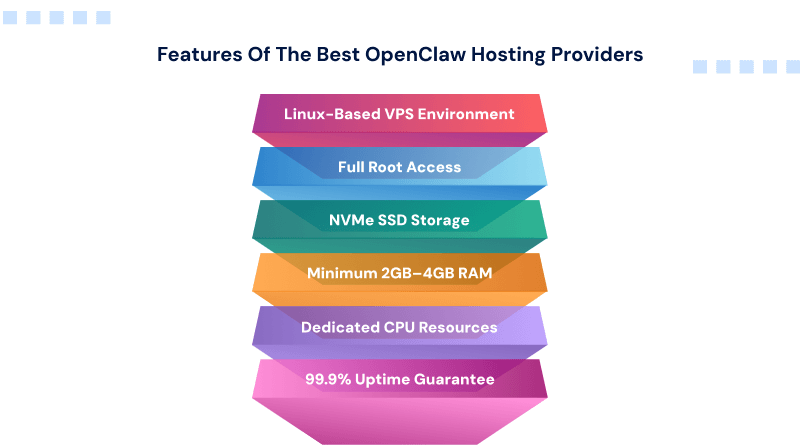
For OpenClaw to run without any latency or crashing, the OpenClaw engine must have certain technical requirements. They are as follows:
1. Linux-Based Operating System
OpenClaw performs best with a Linux operating system. VPS providers such as Ubuntu and Debian offer only Linux distributions as their primary operating environment, which makes them suitable for the deployment of OpenClaw.
2. Stable CPU Performance
OpenClaw is classified as a game engine; therefore, to prevent lagging and crashing, there must be constant CPU performance within your VPS server. It is highly recommended to choose VPS providers that offer dedicated CPU or guaranteed resources for all VPSs.
3. Root Access Control
Complete root access gives you the ability to set up software packages, change server settings, modify system files, and take full control of how OpenClaw gets set up on your system. Shared hosting plans do not allow you to have this level of control.
4. SSD NVMe Storage Drive
When selecting a hosting provider for OpenClaw, consider SSD NVMe drives because NVMe (non-volatile memory express) is faster storage than a regular SSD. With NVMe storage, you’ll get better load times for your game and improved overall performance vs. using a regular SSD drive. For OpenClaw, NVMe drives allow for:
- Faster read/write times
- Quicker response from the server
- A better experience playing your game
5. Adequate RAM
Your VPS (Virtual Private Server) requires at least 2GB to 4GB of RAM. Your VPS needs enough memory so that OpenClaw can be used effectively. The minimum requirement for small instances or single-user applications is 2GB of RAM. If you are creating large instances or large communities, or if you plan on using OpenClaw heavily, it is recommended that you use 4 GB or more of RAM.
For multiple players using OpenClaw at the same time, it is essential to have more than 4 GB RAM as it prevents OpenClaw from slowing down.
6. Low Latency Network
A low-latency network means that communication between the user and the server has minimal delay. It means you will experience faster game response, less input lag, and better real-time gameplay.
To provide your players with the lowest possible latency, choose a hosting provider that has a large global network with multiple data center locations across the globe.
7. DDoS Protection
Distributed Denial of Service (DDoS) can create havoc by flooding your server with traffic. It results in your server being disrupted or even shut down entirely due to congestion. It is vital for public game servers and communities to succeed.
Hosting companies that offer DDoS protection can do the following:
- Identify attacks.
- Screen out bad traffic.
- Maintain your OpenClaw instance up and running even when attacked.
8. 99.9% Uptime
Uptime measures how often your server remains operational (or online) by monitoring your server’s uptime history. If a provider has a 99.9% uptime guarantee, it signifies to you that your server will be available almost all of the time.
Providing more stable connectivity for your customers (game players) ultimately leads to increased customer satisfaction.
Top 5 Best OpenClaw Hosting Providers (2026)
| Provider | Starting Price | NVMe Storage | Root Access | Best For |
| MilesWeb | ₹349/mo* | Yes (NVMe SSD) | Yes | Budget-friendly Linux VPS with NVMe performance & full control |
| Hostinger | ₹399/mo* (intro) | Yes (NVMe SSD) | Yes | Beginner-friendly VPS with scalable plans & global data centers |
| DigitalOcean | ₹332/mo* (intro) | ❇ Varies (SSD/NVMe within droplets) | Yes | Developer-centric VPS with simple, scalable cloud droplets |
| IONOS | ₹166/mo* (intro) | Yes (NVMe/SSD) | Yes | Ultra-low cost VPS with basic specs & unlimited traffic |
| OVHCloud | ₹344/mo* (intro) | Yes (NVMe SSD) | Yes | Scalable European cloud VPS with flexible configurations |
1. MilesWeb
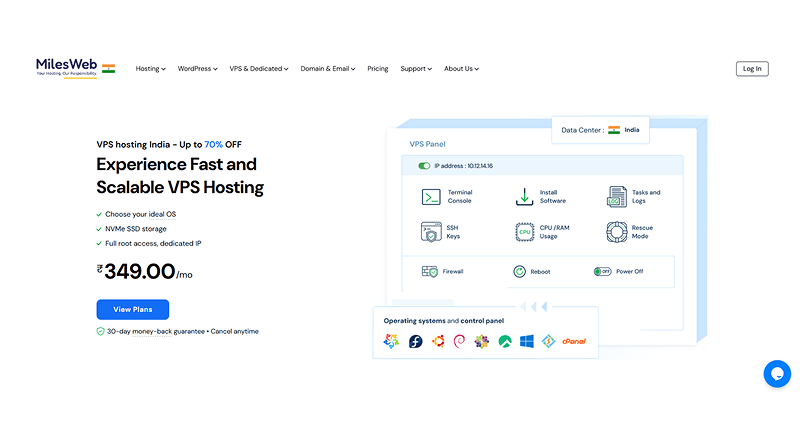
MilesWeb provides an economical VPS solution designed for both budget-conscious developers and businesses that use VPS servers. All MilesWeb VPS plans support Linux OS, have full root access, are built on NVMe SSDs, are on a 1 Gbps network, and have optional static IP addresses. These VPS hosting features make them suitable for gaming servers, such as OpenClaw game server hosting.
Key Features:
- NVMe drives (vary by plan, starting at 50 GB)
- Root access to any Linux OS
- Starting at 4 GB RAM or CPU and up, expanding to higher capacities
- All MilesWeb web servers are on a 1 Gbps network
Ideal For: Economical gaming, VPS projects, and developers that require a complete Linux environment but do not want to spend excessive amounts of money on such an environment.
| ✅ Pros | ❌ Cons |
|---|---|
| Incredibly affordable monthly rates | Customer service support varies |
| Multi-tiered plans with NVMe drives for low-level plans | |
| Static (dedicated) IP address and administrative access | |
2. Hostinger
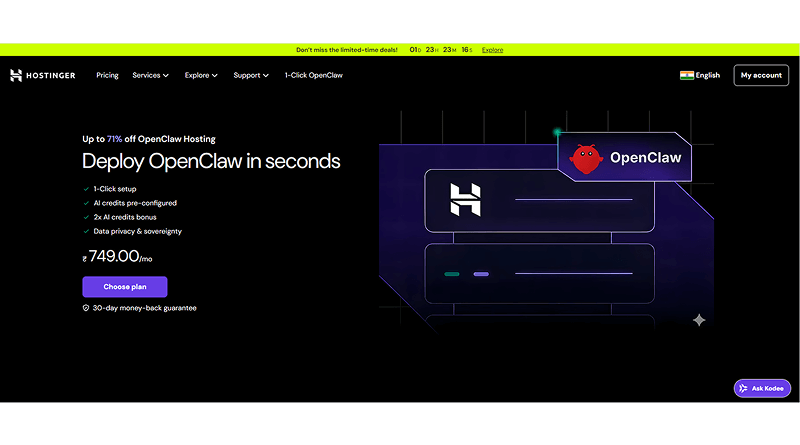
One of the most beginner-friendly VPS providers, Hostinger, offers NVMe storage and full root access. Their KVM VPS plans are scalable, include weekly backups, and offer data centers around the world. With their custom dashboard, both novice and experienced users can manage their servers easily.
Key Features:
- NVMe SSD storage on every plan
- Full root access and firewall/security
- Weekly backups
- Global location data centers to lessen latency
Ideal for: Beginner and intermediate software developers who require a simple, dependable, and reliable VPS setup with solid performance.
| ✅ Pros | ❌ Cons |
|---|---|
| Easy to use for beginners and intermediates | Starting rates can be lower than their renewal rates |
| With optimal network and backup capabilities | It offers raw cloud performance instead of combined tool sets |
| Scaling power from small to high-end VPS options | |
3. DigitalOcean
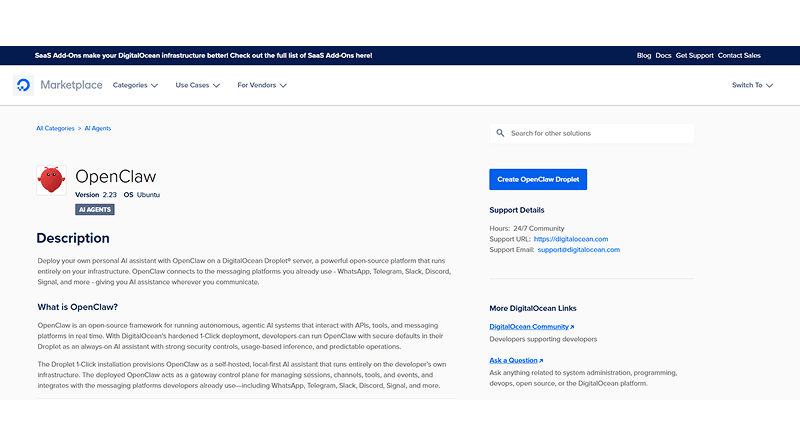
DigitalOcean is an extremely popular VPS cloud provider for developers that allows you to create scalable virtual servers (also known as droplets). Droplets give you full administrative access to your virtual servers and allow for different storage configurations, such as NVMe enablement.
Key Features:
- Full root access to all droplets
- Simple, transparent, and predictable pricing
- Options for different droplet sizes to accommodate workloads
Ideal For: Developers & teams with prior experience using cloud infrastructure that need predictable performance.
| ✅ Pros | ❌ Cons |
|---|---|
| Highly scalable with a predictable pricing structure | Basic plans may not have NVMe by default. |
| Strong developer community with extensive documentation | Competitive entry pricing is higher compared to budget hosts |
4. IONOS
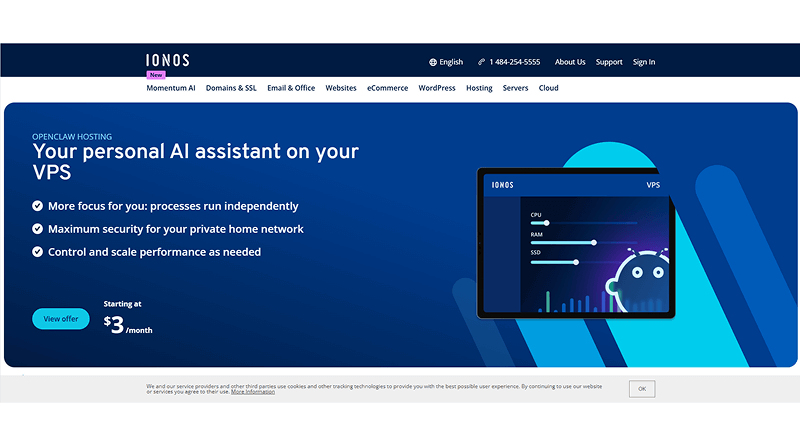
With ultra-low entry pricing on VPS hosting, IONOS provides full root access and NVMe SSD storage with no setup fees. It highly supports projects that need a basic VPS without complicated pricing models.
Key Features:
- Full root access
- NVMe/SSD storage for improved speed/reliability
- Most VPS plans provide unlimited traffic
Ideal For: Users with limited budgets need basic root access to maintain reliable VPS performance.
| ✅ Pros | ❌ Cons |
|---|---|
| Extremely affordable pricing | Limited amenities compared to premium vouchers (i.e., support/networking) |
| Simple service structure & fair terms | |
5. OVHCloud
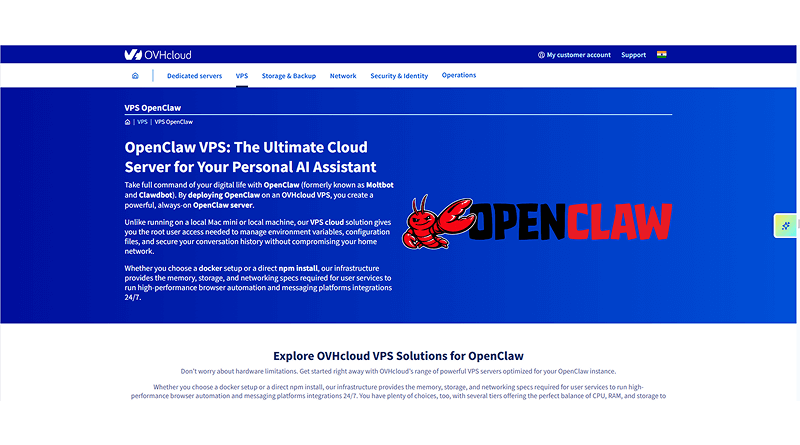
OVHCloud provides VPS solutions that are high-capacity with NVMe storage and provide full root access, making it one of the most popular and best OpenClaw hosting providers. It also provides a more flexible offering that is better for medium- to large-sized projects that require more scalability per VPS. This includes VPS for gaming and other similar workloads.
Key Features:
- NVMe SSD available on multiple scaling for VPS products
- Dedicated full root access through the control panel
- Unlimited (no bandwidth cap) availability
Ideal For: Intermediate and advanced users who need a VPS solution that allows for scalability and will provide fast performance.
| ✅ Pros | ❌ Cons |
|---|---|
| Flexibility on how to size the VPS | Pricing can be a bit complex due to costs based on an hourly rate |
| Suitable for higher workloads on VPS for gaming | Users need a higher technical skill level to manage servers |
The answer to your query, “Which is the best OpenClaw hosting provider?” is that it depends on individual requirements. If you are just getting started with OpenClaw, the recommendation would be MilesWeb, as they offer some excellent low-cost SSD NVMe VPS hosting packages with full root access. Ultimately, the answer to choosing the best web hosting provider depends on how well the hosting provider delivers performance based on your budget and the scalability you need.
How to Setup OpenClaw on VPS (Step-By-Step)
The technicality of configuring OpenClaw on a VPS may be daunting for those who do not have any prior experience. However, this guide will provide you with a simple and easy-to-follow walkthrough on how to configure OpenClaw for usage on a Linux VPS (we recommend that you use Ubuntu as the operating system for your VPS).
Deploy Linux VPS
You will need to first purchase and deploy a VPS from the chosen hosting provider you have selected.
Recommended Setup:
- Operating System: Ubuntu 22.04 LTS or latest version
- RAM: 2GB (4GB recommended)
- Storage: NVMe preferred
- Full Root Access: Required
Once the VPS has been commissioned and is available, log in to the VPS using SSH:
ssh root@your_server_ipStep 1: Update your system
sudo apt update && sudo apt upgrade -yEnsure that your server is both secure and updated. It will help you avoid problems when installing OpenClaw.
Step 2: Required Dependencies
OpenClaw requires the following dependencies for both compiling and running:
- To install the basic build tools, type (use sudo for your privileged user):
sudo apt install build-essential cmake git -y- Install more specific required libraries:
sudo apt install libsdl2-dev libsdl2-image-dev libsdl2-mixer-dev libsdl2-ttf-dev -yThese packages will enable the OpenClaw engine to correctly compile and run on your VPS.
Step 3: Download the OpenClaw Source Code
- Now you will need to download the official source code for OpenClaw. Type:
git clone https://github.com/pjasicek/OpenClaw.git- Change into the OpenClaw project folder:
cd OpenClaw- Create a build directory:
mkdir build
cd build- Next, we will create the CMake files to compile the project. Type:
cmake ..- Next, we will compile the project. Type:
makeThe compilation process can take anywhere from a few seconds to a few hours, depending on how fast the CPU is on your VPS.
Step 4: Server Configuration
Once your compilation was successful, follow these steps to configure your server (and don’t forget to obtain the original data files from Claw in order for OpenClaw to function):
- Place your Claw data files in the proper location (the docs generally specify where this is).
- If necessary, adjust your config options (such as resolution, audio preference, etc.).
- If you are planning on allowing external access (such as through a firewall), open up the appropriate ports.
You will also be required to configure UFW to open up the ports.
sudo ufw allow 22
sudo ufw enable
Make sure you set up the file permissions and paths on your server appropriately.
How to run OpenClaw?
To run OpenClaw, go to the build folder and enter the following command in your command line:
./openclawIf everything has been configured correctly, OpenClaw will run.
Wrapping Up
When choosing OpenClaw hosting providers, it is no longer just about price but rather performance, stability, and full access to your OpenClaw service.
In this guide, we have covered everything about OpenClaw, including:
What is it?
What are its main features?
Who are the best OpenClaw hosting companies?
How to set up your own VPS for use with OpenClaw.
To select an email marketing service that meets your needs, you should first determine your specific use case: beginner testing campaigns, small businesses building relationships with customers, e-commerce, or SaaS companies, depending on automated processes to help them grow. Once you know the type of email marketing service you want to investigate, a practical comparison will help eliminate potential costs and issues with service failures.
While selecting your web host, it all comes down to how you intend to use OpenClaw. If you’re looking for an easy-to-use host and want something that’s very easy to manage, then you should look for a host that offers managed web hosting tools and NVMe drives. However, if you’re looking for a host that can be scaled and has the ability for advanced configurations, you may want to check into using a developer-oriented cloud (VPS) solution.
Once you have the important components in place, you can easily run your OpenClaw app effectively at a solid level of performance!
FAQs
1. Is it possible to run OpenClaw on VPS hosting?
Yes, OpenClaw generally requires VPS hosting. This is because VP offers a stable Linux-based environment with optimal CPU resources, SSD/NVMe storage, and root access that is needed for OpenClaw to run correctly. This control is necessary for installing the dependencies that you need for running OpenClaw. VPS hosting provides the ability and level of control to install all dependencies and successfully set up your server for OpenClaw.
2. How much RAM do I need for VPS hosting to run OpenClaw?
The minimum amount of memory (RAM) you need to run OpenClaw is 2GB. At this level, you can perform all the basic setup for OpenClaw and run it with some basic applications for light usage. 4GB of physical memory (RAM) is recommended if you want the best performance from your OpenClaw server. 4GB of RAM enables the OpenClaw server to handle multiple users, all while maintaining high responsiveness at OpenClaw levels.
3. Is it possible for me to operate OpenClaw on shared hosting?
Unfortunately, OpenClaw cannot be hosted effectively on shared hosting. In shared hosting environments, there will not be any access to root access or other way to configure server-level settings yourself. Because of this, OpenClaw has an installation procedure that includes configuring various system-level settings, so you will be required to use a VPS for hosting.
4. How important is NVMe to OpenClaw providers?
NVMe storage performance has a considerable impact on an OpenClaw service due to the increased speed of reading and writing files. In addition, NVMe storage provides improved response time for accessing files. It significantly reduces file loading times and increases overall server response time.