
 Gaurav Bodhare
Long before anyone built an AI agent that could run a company, researchers were already asking what happens when you give one a single goal and no limits. Paperclip takes that old thought experiment and turns it into something far more practical. It is an open-source platform that puts autonomous AI agents to work on real business tasks, structured like a company with its departments, reporting lines, and daily routines.
Agents built on Paperclip stay active well beyond a single session. They run on a schedule, carry memory across tasks, and expect the server underneath them to remain online every hour of the day. That kind of workload sits well outside what shared web hosting was ever built for, which pushes most builders toward Paperclip VPS hosting from the outset. This guide breaks down what that infrastructure actually needs to deliver and which providers are worth shortlisting in 2026.
Table Of Content
What Is Paperclip Hosting?
Paperclip hosting refers to the server environment required to keep a Paperclip deployment running without interruption. Since the platform manages entire teams of AI agents rather than a single chat session, it needs a machine that keeps their memory, task queues, and audit trails intact between runs. A shared plan built for static websites cannot maintain that continuity reliably, which is why most Paperclip setups run on dedicated VPS hosting with full root access and reliable storage attached.
What Should You Look for in Paperclip Hosting?
Not every server built for regular websites can support a team of autonomous agents. A few core technical requirements separate a stable Paperclip AI deployment from one that quietly falls behind.
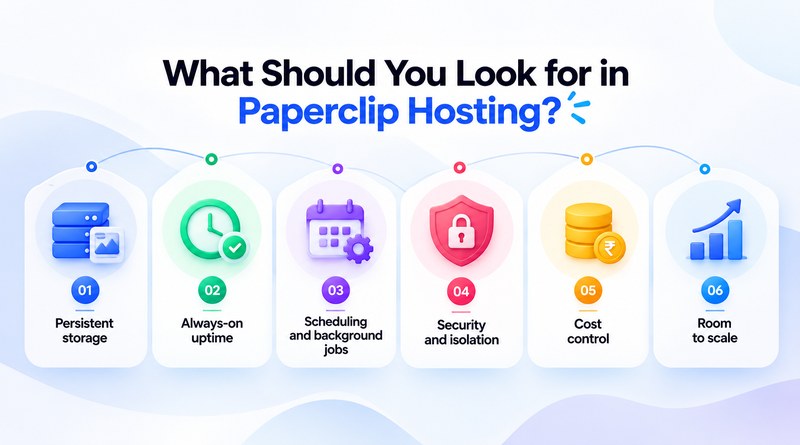
Persistent storage
Agent memory, task history, and audit logs need to survive container restarts and server reboots. Without it, every agent effectively starts over each time the process restarts.
Security and isolation
Agents should reach only the systems and actions they are explicitly authorized for, not the entire server. Isolation keeps one misbehaving agent from affecting the rest.
Always-on uptime
Paperclip agents run on a fixed schedule around the clock, so a server that goes down even briefly breaks that rhythm and delays every task queued behind it.
Scheduling and background jobs
Cron support and reliable retry logic let agents wake up, verify their queue, and act without someone manually restarting the process each time.
Cost control
A single agent stuck in a loop can drain API tokens fast. Budget limits and usage alerts catch that before the bill does.
Room to scale
An org chart that starts with three agents usually expands. The server should allow more computation without a full migration later.
What Are the Best Paperclip Hosting Providers?
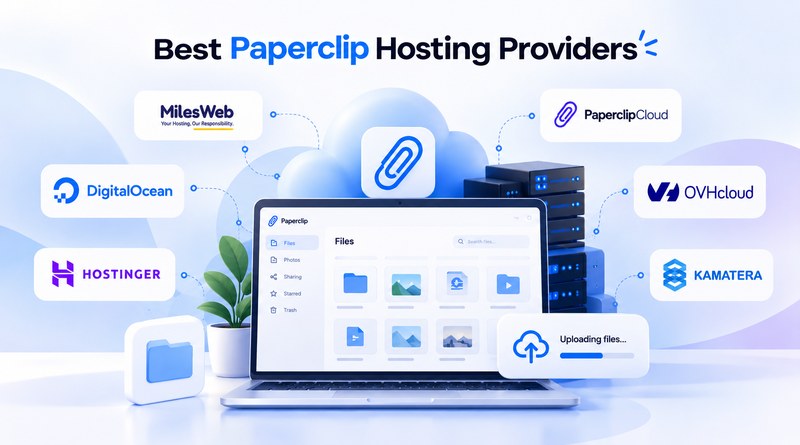
The list below covers a mix of self-managed VPS hosting, managed Paperclip-focused hosting, and flexible cloud hosting, so the right pick depends on how much server work a team wants to handle directly. Each provider is evaluated on the technical depth that actually matters for running agents continuously.
1. MilesWeb
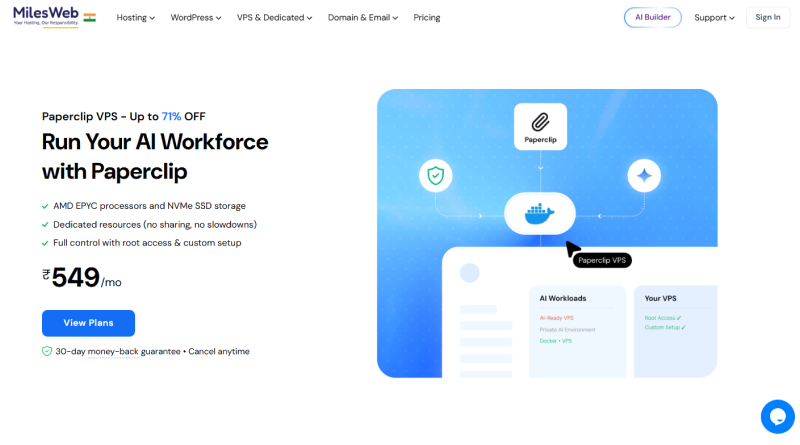
MilesWeb brings a fully self-managed VPS environment built for exactly this kind of continuous, resource-intensive deployment. Every Paperclip VPS plan comes with full root access and KVM virtualization, giving a Paperclip installation clean isolation from other workloads on the same server. Storage runs on pure SSD NVMe drives across configurations that scale from 4 GB to 32 GB of RAM, covering a small three-agent deployment through a much larger one without forcing a platform change later. Docker installs directly over SSH, and daily backups on the cloud VPS plans protect agent memory, task history, and audit logs against a compromised update or a mistaken command.
Core features
- Full root access with KVM virtualization
- SSD NVMe storage across every plan
- Choice of Intel Xeon or AMD EPYC processors
- 1 Gbps dedicated network
- Daily automated backups on cloud VPS plans
- 24/7 dedicated support
- 30-day money-back guarantee
2. PaperclipCloud
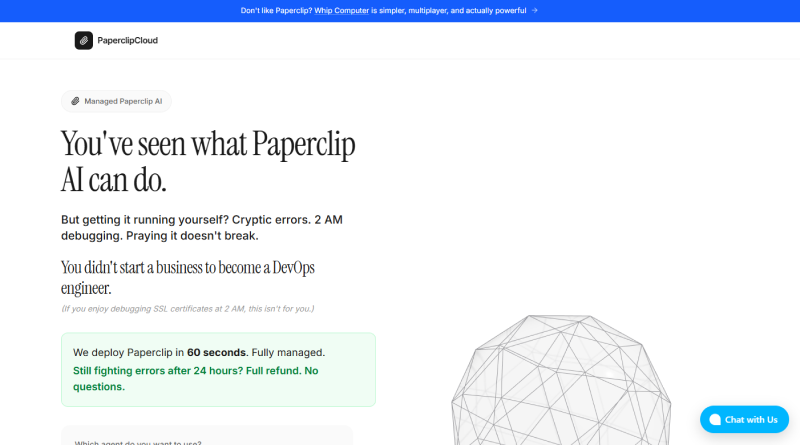
PaperclipCloud takes the opposite approach from a self-managed VPS, offering fully managed hosting built specifically for this one platform. Servers, databases, SSL, and monitoring stay entirely out of view, so a company owner can pick an agent type and a hosting tier without opening a terminal. Multiple agent options connect through personal API keys, and the dashboard stays reachable from any device rather than a single local machine. The convenience comes at the cost of infrastructure control, since the underlying server configuration remains fully out of reach.
Core features
- Fully managed infrastructure with no server setup
- Deploys in under a minute
- Support for multiple agent types, including Claude Code and OpenClaw plugins
- SSL, monitoring, and automatic updates included
- Dashboard accessible from any device
3. DigitalOcean
DigitalOcean approaches Paperclip hosting from a developer-first angle, built around Droplets that launch in well under a minute. Infrastructure can be managed through a clean dashboard, a REST API, the doctl command line tool, or Terraform, which suits teams that prefer managing servers through code rather than clicking through menus. A one-click Docker installation is available through its Marketplace, reducing the manual setup a Paperclip deployment otherwise needs. Billing runs per second with a fixed monthly cap, keeping costs predictable even as agent activity grows.
Core features
- Droplets that deploy in under a minute
- REST API, CLI, and Terraform support
- One-click Docker installation via Marketplace
- Per-second billing with a monthly price cap
- Data centers across multiple continents
4. Hostinger
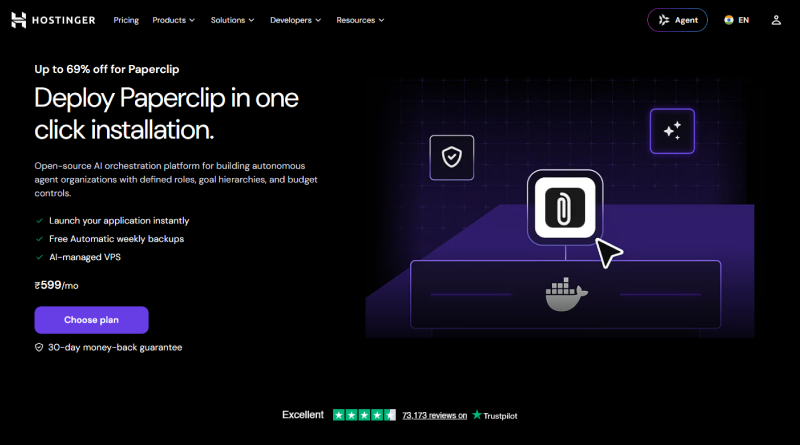
Hostinger runs a cloud-based VPS platform with a Paperclip Docker template built directly into its application catalog, which removes the repository cloning and manual configuration a fresh install usually involves. Personal API keys from Anthropic, OpenAI, or Google connect directly, without an added markup on model costs. Data centers span ten locations across Europe, Asia, and the Americas, giving deployments more flexibility in matching server locations to a team’s LLM hosting provider. Persistent storage keeps org structure and agent history intact through container restarts, and vertical scaling lets resources grow as an agent team expands.
Core features
- Pre-configured Paperclip Docker template in the app catalog
- Connect Anthropic, OpenAI, or Google API keys directly
- Ten data center locations across three continents
- Persistent storage across container restarts
- Vertical scaling without platform migration
- 30-day money-back guarantee
5. OVHcloud
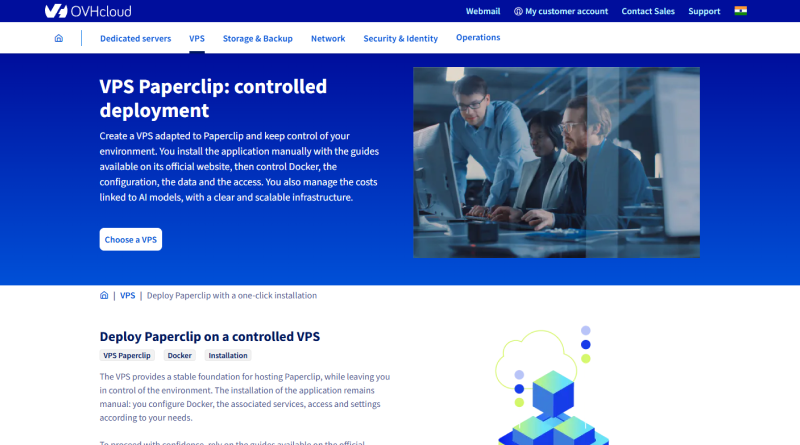
OVHcloud operates one of the larger global footprints on this list, with data centers spread across 46 locations on four continents. Its VPS lineup includes daily automatic backups, anti-DDoS protection, and unlimited traffic on every tier, a combination not every provider bundles in by default. Storage uses NVMe SSD from the second tier upward, and one-click scaling through the control panel allows moving to a higher plan without manual data migration. Guaranteed bandwidth climbs from 400 Mbps on the entry tier up to 3 Gbps on the highest configuration, which matters once several agents start working at once.
Core features
- 46 data centers across four continents
- Daily automatic backups included
- Anti-DDoS protection and unlimited traffic
- NVMe SSD storage from the VPS-2 tier upward
- One-click scaling with no data migration
6. Kamatera
Kamatera leans into customization more than most providers on this list, letting a buyer configure CPU, RAM, and storage independently rather than picking from fixed tiers. Root access comes standard on both Linux and Windows VPS builds. One-click deployment covers more than 40 applications, including Docker, which handles most of the manual setup a Paperclip install would otherwise require. Its footprint spans more than 20 data centers across four continents, and billing can run hourly or monthly depending on how a workload actually behaves. A 99.95 percent uptime guarantee backs every plan, with human support available around the clock.
Core features
- Fully customizable CPU, RAM, and storage
- One-click Docker deployment
- 20+ data centers across four continents
- Hourly or monthly billing options
- 99.95% uptime guarantee
- 24/7 human support
How Do the Top Paperclip Hosting Providers Compare?
Performance differences between these platforms often trace back to the software that manages requests on the web server. Environments running on LiteSpeed server generally process concurrent requests faster than servers still relying on standard Apache or Nginx configurations, a detail worth weighing once a dashboard gets queried by several agents at once.
| Provider | Root access | Storage | Data centers | Docker setup | Backups | Uptime guarantee |
|---|---|---|---|---|---|---|
| MilesWeb | Full root, KVM virtualization | SSD NVMe | India, global | Manual via SSH | Daily, on cloud VPS plans | 30-day money-back |
| PaperclipCloud | Not applicable, fully managed | Managed | Not disclosed | Not required | Included | Not disclosed |
| DigitalOcean | Full root | SSD NVMe | Multiple continents | One click via Marketplace | Add-on | Not disclosed |
| Hostinger | Full root | SSD NVMe | 10 locations | Pre-configured Paperclip template | Included | 30-day money-back |
| OVHcloud | Full root | NVMe SSD from VPS-2 | 46 locations | Manual setup | Daily, included | Not disclosed |
| Kamatera | Full root | Configurable SSD | 20+ locations | One click, 40+ apps | Add-on | 99.95% SLA |
How to Install Paperclip on a VPS?
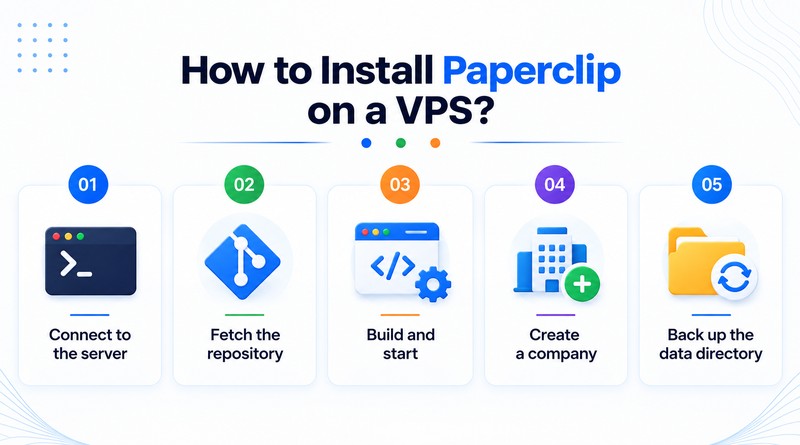
Installing Paperclip manually follows a similar pattern across most self-managed VPS hosting, since the platform comes with a ready-to-use Docker Compose file.
- 1
Connect to the server
Open an SSH connection to the server.
- 2
Fetch the repository
Clone Paperclip and move into its project directory.
- 3
Build and start
Run the quickstart compose command to build and launch everything in a single pass.
- 4
Create a company
Use the dashboard to define its mission and assign agent roles such as CEO, CTO, or engineer.
- 5
Back up the data directory
Regular backups protect the history of the org structure, agent memory, and audit logs from container removal or failed updates.
Final Thoughts
Running a full team of AI agents puts different demands on a server than any website ever has, and the providers above take genuinely different paths to meeting them. Teams that want full control over configuration and Docker access tend to favor a self-managed VPS setup, while those chasing zero setup time reach for a fully managed option instead.
What stays constant across every choice is that persistent storage, real uptime, and honest cost control decide whether an agent team keeps working weeks after launch, not just on day one. MilesWeb’s root access and NVMe-backed VPS plans provide the necessary setup flexibility for a Paperclip deployment to grow without requiring a platform change as agent activity increases.
Frequently Asked Questions
1. Is it safe to run Paperclip on a shared hosting plan?
Shared hosting does not provide root access. Paperclip depends on installing dependencies, running Docker, and managing background processes reliably. A VPS with full root access is the appropriate starting point, not an upgrade to consider only once problems appear. It also gives a deployment the isolation needed to avoid competing with other accounts on the same machine.
2. How much RAM does a Paperclip deployment actually need?
The requirement depends on how many agents operate simultaneously and how demanding their tasks are. Two or three agents handling routine work run adequately on 4 GB of RAM. A larger team managing several concurrent tasks, or agents working through larger datasets, needs 8 GB or more to avoid slowdowns during peak activity.
3. Can Paperclip run on a Windows VPS?
Yes, Kamatera runs Docker on Windows VPS builds without extra configuration, and it is not the only provider that supports this feature. Linux remains the more common choice for Paperclip deployments, largely because Docker’s tooling and documentation grew up around it, which speeds up troubleshooting when something breaks.
4. What happens if the API provider account runs out of budget mid-task?
The task in progress fails, though data already saved to the server’s data directory remains intact and is not lost. Setting a spending cap in advance addresses the issue more effectively than responding after a task has already stalled, since most providers allow that limit to be configured in a few minutes during setup.