 Jyoti Prasad
Nowadays, every marketer wants to increase their customer database and for that, they are adopting various techniques to stand unique among competitors in the market. In short, marketer tries to use all types of techniques to increase the customer count. In the same way, email marketing is also one of the types that every marketer is focusing to create awareness among users.
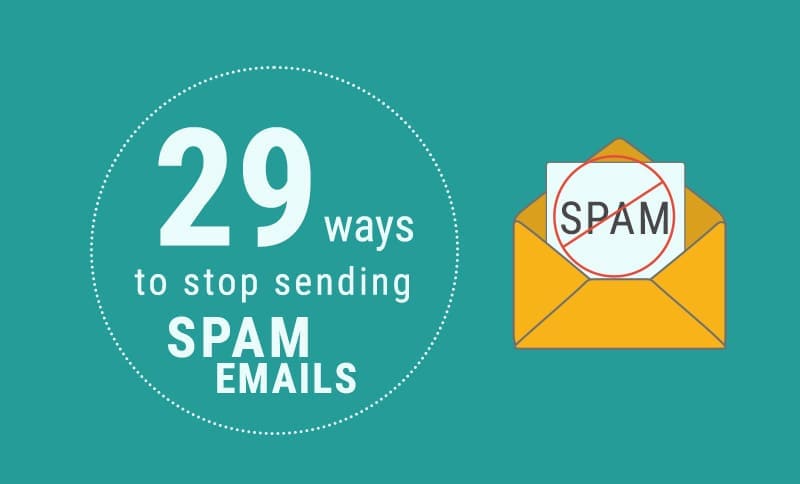
It is necessary to ensure that the emails you have sent to the users are getting delivered to their inbox instead of spam or junk box. There are various things that you need to take into consideration to know why your emails are getting into spam, for e.g., find the right audience before sending emails, whether you are blacklisted, sender reputation and much more. In this infographic, we will guide you on how to receive emails into your inbox or how you can stop yourself from sending spam emails.

1) Do not send voluntary emails to the users, who have not subscribed to your newsletter.
2) Do send emails from professional SMTP Server.
3) Do write fresh content without using spam words.
4) Do not use red colour fonts in subject line and main body.
5) Do not add too many links in the content.
6) Be precise and professional while coding HTML language.
7) Keep body format simple.
8) Always choose best email marketing service provider.
9) Do not use capital letters in the content.
10) Include unsubscribe link and make sure it works.
11) Do not use spam trigger words like congratulations, guarantee, free, credit, 100% etc.
12) Do not use video, flash or Javascript.
13) Do not add too many attachments.
14) Do not use the forms.
15) Do include the physical address.
16) Send email to genuine and correct email id’s to avoid bounce back error.
17) Use double opt-in link, just to confirm whether the user really wants update from your site.
18) Allow people to view your email in a web browser.
19) Add alt – text to the email images.
20) Test your email before sending it to the users.
21) Do use the familiar sender name.
22) Do not use “No-Reply” email address to send email.
23) Check spelling and grammar before sending.
24) Do use a spam filter before sending an email.
25) Do not use exclamation mark.
26) Do not purchase email lists.
27) Make sure the claims are honest and real.
28) Do keep emails short and precise.
29) Maintain an equal ratio of text and image.