
 Gaurav Bodhare
The fastest way to launch a web project is to automate the part that every project shares. File uploads, database creation, and configuration follow the same pattern each time, and the one-click installer in cPanel completes all three from a single form. The team then focuses on what sets the project apart, namely content, design, and customer experience. This shift of attention explains why installer-based launches reach a live state in minutes rather than days.
Reliable web hosting plans make the cPanel installer accessible to every account, alongside a library of tested applications. Each package comes with its database and configuration already in place, so the first login follows within minutes of the request. In this post, we will explore how the cPanel one-click installer works, what to check before installing an application, and which applications deliver the most value.
Table Of Content
What Is cPanel One-Click Installer?
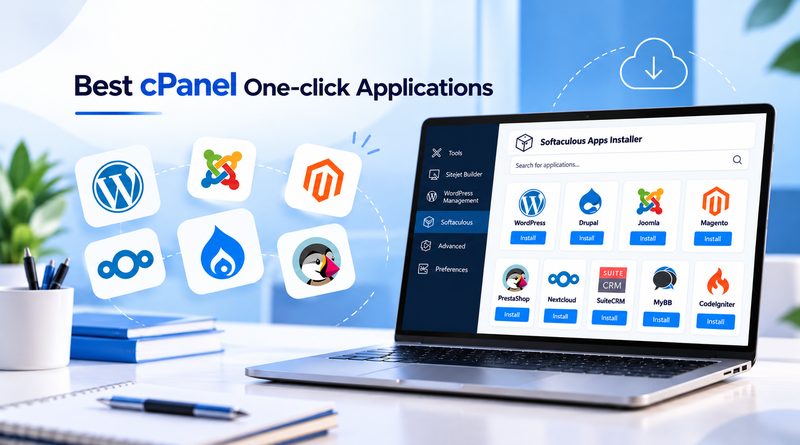
A one-click installer is a script library that runs inside cPanel through tools such as Softaculous. Behind a single form, it downloads the application files, creates the MySQL or MariaDB database, writes the configuration file, and registers the administrator account. The process eliminates manual FTP uploads and database setup. The installer also handles updates, backups, and cloning to a staging copy. Each installation follows an identical path, so a freelancer and an agency reach the same predictable result. That consistency shortens onboarding for new colleagues and reduces support requests after launch.
Related Read : Digital Marketing Tools You Can Install Right from Your cPanel
What Should You Consider Before Installing an Application?
Installation takes minutes, but the decision behind it deserves a few more. The catalog of cPanel one-click applications ranges from a forum that runs on basic shared plans to a commerce suite that expects ample memory. A short review of six factors aligns the application with the plan. Anyone planning a website migration should also confirm version compatibility at this stage.
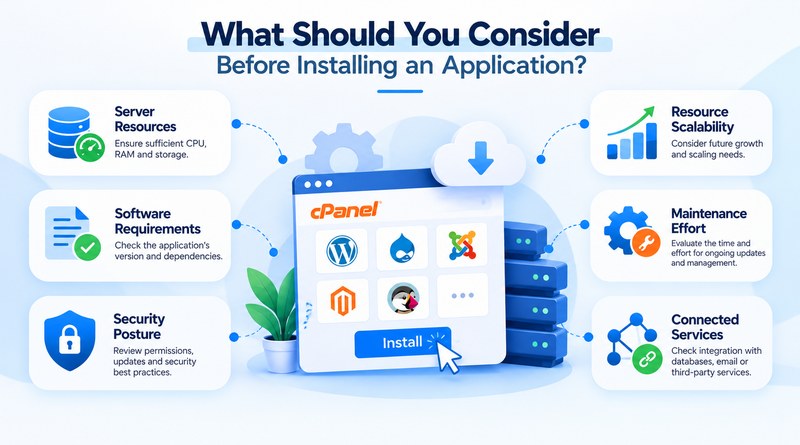
Server Resources
A busy storefront consumes far more memory than a ten-page brochure website. Checking plan limits against each application’s stated requirements prevents slowdowns after launch.
Software Requirements
Current releases of Joomla, Drupal, and Magento expect recent PHP versions. Verifying the server’s PHP version and extension list takes minutes and spares hours of troubleshooting.
Security Posture
Public vulnerability databases show how often each project publishes security patches. Applications with regular releases and a dedicated security team deserve priority on customer-facing websites.
Resource Scalability
A forum with fifty members today may reach five thousand next year. Choosing an application with proven large deployments removes the need for a later platform switch.
Maintenance Effort
Every plugin adds one more update to track and one more compatibility issue to test. Assigning a single owner for updates and backups keeps the website stable.
Connected Services
Each payment, CRM, or email connection needs a module or API. Listing them before installation prevents rework once the project is live.
How Do the cPanel One-Click Installers Compare at a Glance?
The compared applications cover publishing, commerce, collaboration, and development. cPanel’s one-click installer lists each of them in a single library. The table below summarizes language, database, category, and ideal scale. Reviewing it first narrows the shortlist before any installation begins.
| Application | Category | Language | Database | Resource Load | Typical Use |
|---|---|---|---|---|---|
WordPress | CMS | PHP | MySQL / MariaDB | Low to medium | Blogs, business sites |
Drupal | CMS | PHP | MySQL / MariaDBPostgreSQL | Medium | Complex content portals |
MyBB | Forum | PHP | MySQL / MariaDBPostgreSQL | Low | Communities, support boards |
Magento | eCommerce | PHP | MySQL / MariaDB | High | Large catalogs |
PrestaShop | eCommerce | PHP | MySQL / MariaDB | Medium | Small to mid-sized stores |
Joomla | CMS | PHP | MySQL / MariaDBPostgreSQL | Medium | Membership sites, intranets |
SuiteCRM | CRM | PHP | MySQL / MariaDB | Medium | Sales pipelines |
Nextcloud | File sync and collaboration | PHP | MySQL / MariaDBPostgreSQL | Medium to high | Private file sharing |
CodeIgniter | Framework | PHP | MySQLPostgreSQLSQLite | Low | Custom apps, APIs |
Which Applications Can You Install with cPanel?
With one-click installers, cPanel lets you launch popular web applications in minutes. The database, files, and basic settings are set up for you, so no technical knowledge is needed. Whether you want a blog, a store, or a forum, there is likely an app ready to go.
1. WordPress
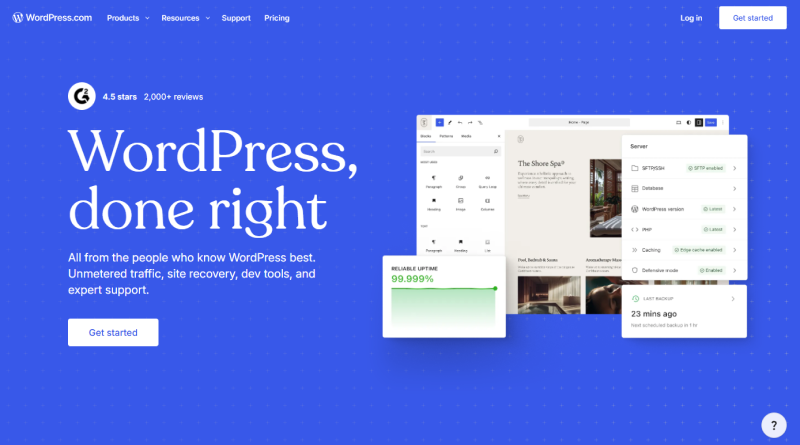
WordPress powers a large share of the online publishing, from single-author blogs to news networks. The cPanel WordPress installer creates the database, applies the current core release, and enables automatic updates in one form. Page builders, caching plugins, and SEO suites form a deep set of WordPress tools, and most of them install without code. A five-page brochure website and a catalog of thousands of products can grow on the same installation.
Key Features
- Vast plugin and theme ecosystem
- Block editor for flexible page layouts
- Automated core updates and backups
2. Drupal
Drupal suits websites where the content itself is complex. With Drupal, a university may publish courses, faculty profiles, and research in several languages, each with separate editors and approval steps. Drupal supports this structure natively. Configuration exports let developers move changes from staging to production as plain files. Regular core patches and full HTTPS support also reinforce SSL security on portals that handle sensitive records. Government agencies and universities rely on that combination for long-running projects.
Key Features
- Fine-grained user roles and permissions
- Multilingual content workflows
- REST and JSON: API support
3. MyBB
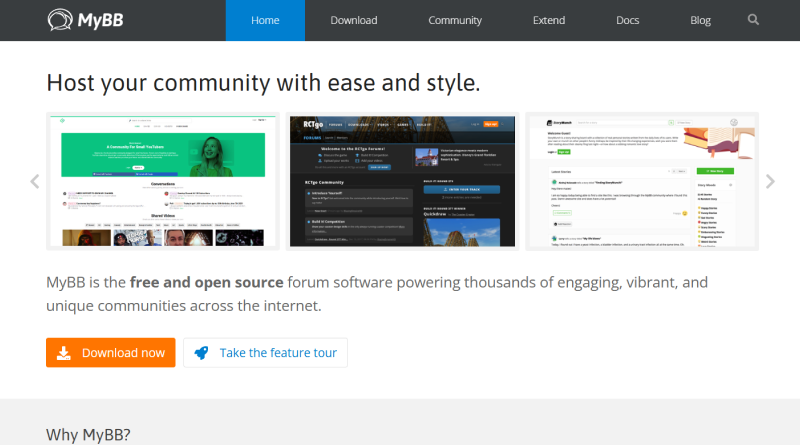
MyBB is a forum platform designed for communities, support boards, and fan networks. It runs comfortably on shared hosting plans and includes moderation tools from the first login. Administrators who add monitoring tools can watch server load and member activity during busy threads, while private messaging and user groups keep long conversations organized. MyBB lets a support community organize solved threads into a searchable archive that grows into a useful knowledge base over time.
Key Features
- Built-in moderation queue
- Plugin and theme support
- Low resource footprint
4. Magento
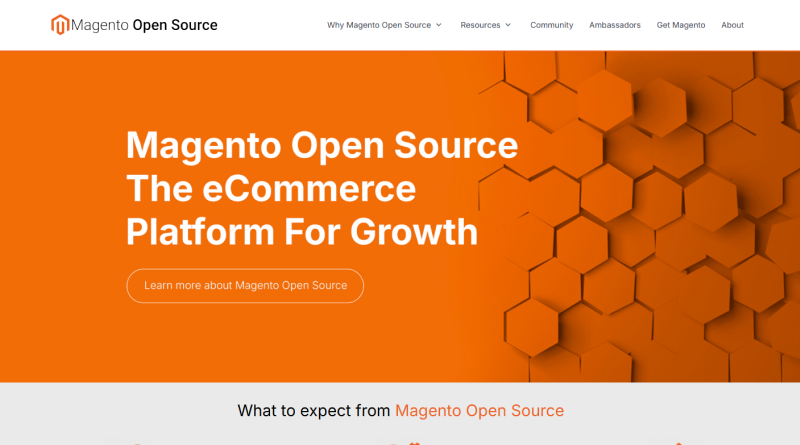
Magento serves catalogs that outgrow simpler carts. Thousands of products, tiered pricing, and several storefronts can share a single admin panel. Magento indexes every product to keep search fast, and that process scales smoothly on cloud hosting, where memory expands as the catalog and traffic grow. Magento’s admin panel handles tax rules and shipping zones directly, so store owners skip the paid extension. Retailers that expect seasonal traffic spikes should plan their hosting capacity before the first campaign goes live.
Key Features
- Multi-store management
- Tiered and rule-based pricing
- Extensive extension marketplace
Related Read : Magento Security Tips: Protect Your Online Store
5. PrestaShop
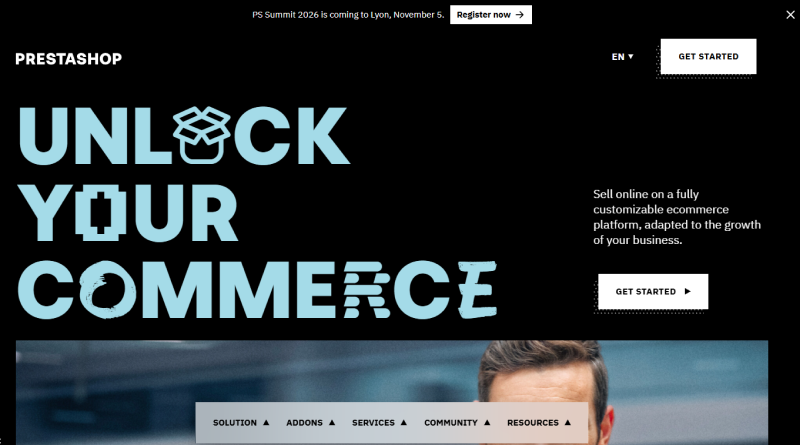
PrestaShop appeals to retailers who want to sell quickly. The admin dashboard lists orders, stock, and customers on one screen, and payment or shipping modules install in a few clicks. Merchants can later connect AI tools that draft product descriptions or recommend related items. One administrator can reasonably run the whole shop without technical support. Shipping carriers, tax settings, and currencies stay available from the same settings menu.
Key Features
- Fast storefront setup
- Multilingual and multi-currency support
- Large module library
Related Read: Top PrestaShop Themes For High-Converting Online Stores
6. Joomla
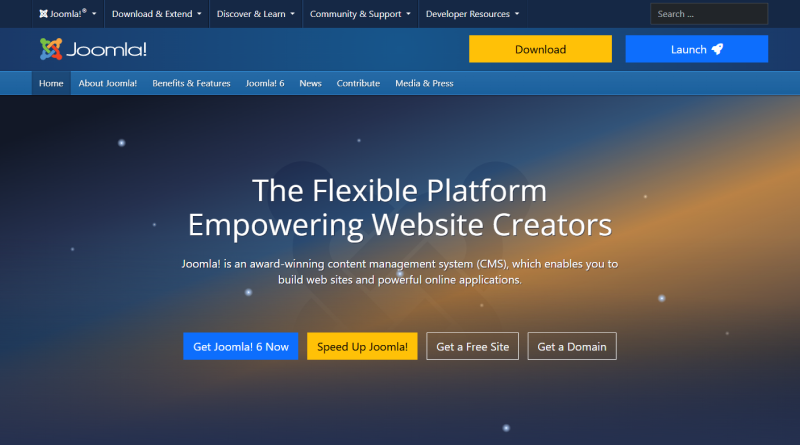
Joomla occupies the middle ground between a blog engine and an enterprise CMS. Its added structure explains why agencies choose it for client projects. Administrators assign access levels page by page and control menus, modules, and layouts, which suits membership websites and corporate intranets, while editors manage content through a simple article manager. Agencies also benefit when a client arrives with an older website, since Joomla’s import extensions support website migration and carry articles and user accounts across.
Key Features
- Page-level access control
- Native multilingual support
- Wide range of templates and extensions
7. SuiteCRM
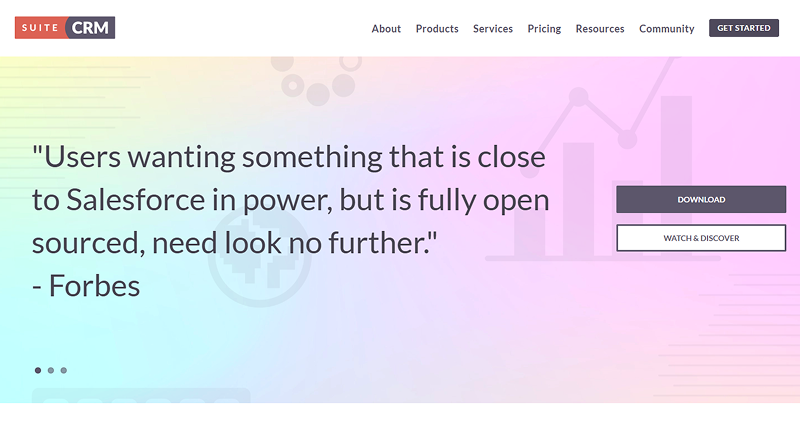
SuiteCRM is an open-source customer platform that stores contacts, deals, and campaigns together. The platform lets a sales representative follow a lead from the first call to the signed contract without switching tools. Its workflow rules handle repetitive entries, while its reports show managers the expected revenue for the quarter. Custom fields and modules adapt the platform to the existing sales process rather than force a new one. SuiteCRM gives small firms all of these benefits without per-user license fees.
Key Features
- End-to-end pipeline tracking
- Customizable modules and workflows
- Forecasting reports
8. Nextcloud
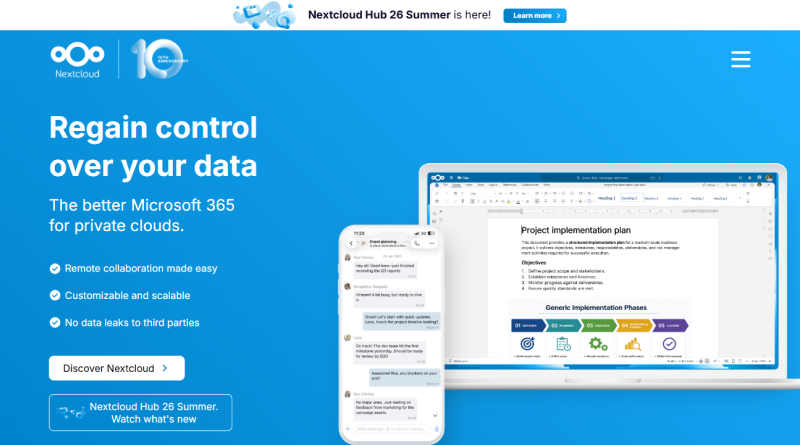
Nextcloud keeps files, calendars, and contacts on infrastructure that the company controls. Its shared folders carry permission rules, expiry dates, and optional encryption, which suits contracts and client records. Nextcloud’s desktop and mobile apps sync changes automatically, so remote colleagues open the latest version every time. Calendars and contacts also sync with phones through Nextcloud, which replaces several separate subscriptions with a single solution.
Key Features
- Full data control
- Shared calendars, contacts, and documents
- Desktop and mobile sync clients
Related Read : What is Nextcloud? How to set up your self-hosted Google Drive alternative with Docker
9. CodeIgniter
CodeIgniter is a small PHP framework, and its footprint stays light by design. The cPanel installer sets up the directory structure, so developers reach their first working controller quickly. Startups often choose CodeIgniter for APIs and internal tools where speed counts more than bundled features. Its clear documentation also helps a new developer contribute in the first week.
Key Features
- Lightweight core with fast execution
- MVC architecture for organized code
- Clear documentation
How to Install an Application with cPanel?
The cPanel one-click installer follows the same workflow for all compared applications. The form fields stay consistent from one package to the next, so the process takes a few minutes from login to launch.
- 1
Sign in to cPanel and open the Softaculous Apps Installer or the Applications section.
- 2
Choose the application from the library and press Install.
- 3
Pick the protocol and the domain, and leave the directory field empty for a root installation.
- 4
Enter the site name, an administrator username, and a strong password.
- 5
Select the language and any optional plugins or themes.
- 6
Please review the summary and proceed by pressing Install. The confirmation screen shows the site URL and the administrator login link.
Administrators should switch on automatic backups and update notifications right after the first login. Both settings take a few minutes and protect the website against failed updates and data loss.
Key Takeaway
The cPanel one-click installer gives every project an equal starting line. A tested foundation that once demanded technical specialists now sits within reach of small businesses, agencies, and solo developers alike. Launching a store, a forum, or a CRM becomes a question of vision and planning rather than server expertise, and that shift raises the standard of what independent projects can achieve.
Looking ahead, installer libraries will keep adding frameworks, automation, and integrations, which widens the range of projects a single hosting account can support. A test installation this week creates familiarity with the workflow, and that familiarity turns future launches into routine steps. Teams that document their installation settings carry the same advantage into every project that follows. The next idea is already one form away.
Frequently Asked Questions
1. What Is One-Click Installation in cPanel?
One-click installation is a cPanel feature that sets up a complete application from a single form. The installer downloads the files, creates the database, writes the configuration, and registers the administrator account. A website, store, or forum reaches a working state in a few minutes, and the process needs no FTP client or manual database setup.
2. Can I Install Multiple Applications Using cPanel?
Yes. Each application gets its domain, subdomain, or folder, so a WordPress website and a Nextcloud server can share one cPanel account without clashing. The hosting plan sets the ceiling, since disk space, memory, and file limits decide how many applications run smoothly.
3. Is One-Click Installation Safe to Use?
The installer pulls packages from the official project sources, so the starting point is clean. Safety after launch depends on regular maintenance. Strong administrator passwords, timely updates, plugins from trusted developers, and scheduled backups protect an installation far better than any single setting. Outdated software and abandoned plugins create most real-world security problems.
4. Do I Need Coding Knowledge to Install Applications in cPanel?
No coding knowledge is required. The installer asks for a domain, a site name, and administrator credentials, and it handles everything else. Coding skills become relevant only later, for profound customization of a framework like CodeIgniter or for tailoring a Drupal or Magento theme.
5. Are cPanel One-Click Applications Free to Install?
Most of the nine applications covered here are open-source, so the software itself carries no license fee. Costs appear around it. Separate billing applies to the hosting plan, premium themes, paid extensions, and commercial add-ons like Magento’s enterprise edition, distinct from the free core. Some providers also reserve advanced installer features, such as staging, for higher tiers.