Ujwala

Fonts play a very important role in the aesthetic appeal of a website, especially when selecting the right fonts in HTML for consistent web presentation. Thoughtfully choosing a font can effectively communicate the intended message and maintain brand identity coherence.
To achieve this, an ideal web font should be readable and safe on the net. This goes on to say that the font renders well on all devices, operating systems, and browsers.
Nonetheless, selecting an appropriate font can sometimes pose a challenge. It’s typical to encounter visually attractive fonts but lack web compatibility, or conversely, fonts that are web-safe but lack visual appeal.
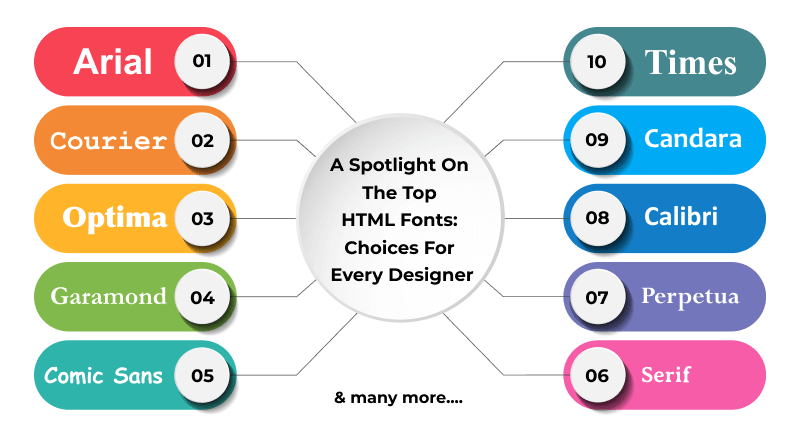
To lend a hand, we’ve meticulously crafted the compilation of the top 20 HTML web fonts, often considered the best HTML fonts ideal for your website.
What is a web-safe font?
Web-safe fonts are extremely common HTML-supported fonts that come preloaded on most computer operating systems. Here is a partial list of web-safe fonts typically found in an HTML font family:
- Arial
- Times New Roman
- Verdana
- Courier
- Georgia
Because these fonts have been added into HTML code, the user’s computer retrieves the information from the server without having to download the font files; therefore, the site loads faster and displays the same on all computers.
Advantages:
- No load delay
- Guaranteed compatibility
- Easy to implement
- Good fallback options
Disadvantages:
- Limited variety of font typefaces
- Limited variety of font styles
As these fonts have consistency and they can be easily distinguished, they are commonly used for typewriters and computer terminals.
Best Web-Safe Font Families
| Font Family | Description | Best Use Case | Readability |
| Cursive | Handwriting-style fonts with looped, flowing letters | Headers, taglines, blog titles | Low for body text |
| Fantasy | Decorative, genre-expressive fonts | Fiction, themed websites | Low for body text |
| Serif | Letters have small strokes (serifs) at edges | Body text, formal content | High |
| Sans-Serif | No extra strokes; clean and modern | Digital content, UI, print | Very High |
| Monospace | Each letter has equal width | Coding, terminals | High for technical text |
How to Choose the Best Font for Your Website?
Selecting the best font for your website is crucial, as fonts are much more than just visual elements. They have an effect on how readable a website feels, how users view your brand, and how easy or difficult it is for users to navigate through your website. With so many font names for HTML available, making the right decision requires a strategic approach. Here are some of the things you want to consider when selecting the right HTML font for your website:
1. Determine the Personality of Your Brand
Before picking a font for your website, define your brand:
- Is your brand more of a professional image, or is your brand geared toward a playful image?
- Is your brand a minimalist-style image, or is your brand more toward a decorative style?
Some examples of brand style include:
- A law office prefers a serif HTML font such as Cambria or Times New Roman.
- A technology start-up may prefer a clean, modern, sans-serif-styled font such as Helvetica or Calibri.
A creative brand might use a unique, engaging font like Brush Script, but sparingly.
Selecting the right font name for HTML that fits your brand personality will create the same brand identity visually.
2. Prioritize Readability Over Style
If you are using the fancy HTML fonts, it will likely obscure your content’s readability.
In order to evaluate font style names in HTML, you need to consider these points
- Do the letters have good distinction (e.g., are they not too thin)?
- Is there enough space between the letters?
- Are the letters in this font legible when rendered at small point sizes?
- Do the letters have enough contrast from the background?
For your body text, the best HTML fonts are those that users read without straining for longer periods of time.
3. Consider Device Compatibility
If you only use decorative HTML fonts and there is no fallback option to render the same content with sans-serif or serif fonts, your users will see broken typography. Thus, it is important that you review the commonly available HTML font list.
Always use a fallback stack to define your primary font:
body {

font-family: "Helvetica", Arial, sans-serif;

}
This way, you can be sure that if your primary font fails to render, it will display in the fallback fonts.
4. Match the Font Type to the Type of Content
Different HTML font styles work better with certain types of content:
- Headers: Bold serif or modern sans-serif
- Body text: Highly readable fonts
- Buttons: Clean sans-serif fonts
- Creative sections: Cool or decorative font, HTML accents
You should limit your use of fonts on a single web page to 2-3. Instead, use a combination of other styles in the same font family to create contrast.
5. Evaluate Performance Impact
Excessive use of web fonts may elongate page load times; to keep loading times down, keep the number of font weights that will need to be downloaded to just a maximum of 7 variations.
- Utilize WOFF2 formatting.
- Utilize system fonts whenever possible.
Keep in mind that the best types of fonts to use in an HTML-based website are both appealing and performant.
6. Test Before Finalizing
Testing is important to make a decision on a final font name for an HTML-based website:
- Testing should be done on both mobile and desktop devices.
- It should verify what the font looks like at different zoom levels.
- Check what the font looks like in all browsers (Chrome, Safari, and Edge).
Usability should drive the font type families chosen for use on the HTML-based website rather than simply design considerations.
Table Of Content
Top 20 Best HTML Fonts for Modern Websites
Explore this curated HTML font list featuring the best HTML fonts that combine readability, style, and compatibility for professional web design.
| Font | Family | Key Characteristics | Best Use Case |
| Arial | Sans-Serif | Clean, modern, highly readable | Websites, blogs, print media |
| Arial Narrow | Sans-Serif | Compressed, tight spacing | Minimalist designs |
| Times | Serif | Formal, compact, traditional | News, academic content |
| Times New Roman | Serif | Professional, adaptable | Educational & formal sites |
| Helvetica | Sans-Serif | Sleek, versatile, brand-friendly | Corporate branding |
| Courier | Slab Serif / Monospace | Typewriter-style | Film, screenplay sites |
| Verdana | Sans-Serif | Wide spacing, great on screens | Digital readability |
| Candara | Sans-Serif | Modern, fluid curves | Blog titles, taglines |
| Geneva | Sans-Serif | Balanced, consistent spacing | Display & body text |
| Calibri | Sans-Serif | Rounded, clean | Digital & office use |
| Optima | Sans-Serif | Elegant, Roman-inspired | Display text |
| Cambria | Serif | Excellent small-size readability | Headers & body text |
| Garamond | Serif | Classic, antique feel | Print & literary sites |
| Perpetua | Serif | Sophisticated, timeless | Educational content |
| Monaco | Monospace | Pixelated, coding style | Tech & gaming sites |
| Didot | Serif | High contrast, dramatic | Headings & titles |
| Brush Script | Cursive | Informal, handwritten | Landing pages |
| Lucida Bright | Slab Serif | High contrast, space-efficient | Reports & magazines |
| Copperplate | Display / Decorative | All caps, bold impact | Headers & business branding |
| Comic Sans | Cursive / Casual | Informal, playful | Children-focused content |
1) Arial
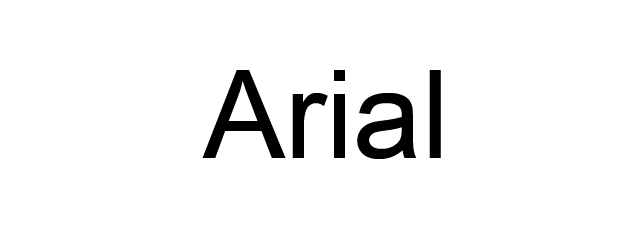
Arial is a dynamic font that belongs to the sans-serif family that has a contemporary feel. Every letter is clean and gives a sturdy look.
Arial has remained a fundamental choice for on-screen text, thanks to its readability at various sizes. In fact, it serves as the default font for Google Docs.
Arial is commonly used for printed media like advertisements and newspapers.
If you are looking for a suitable font for your website or blog, then Arial is often considered the best font for HTML.
2) Arial Narrow
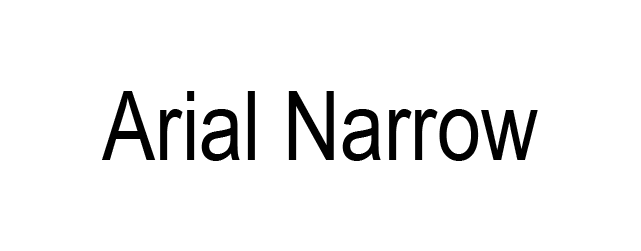
Arial Narrow represents just one of the 38 distinct styles within the Arial font family. Diverging from the original typeface, this particular style boasts a streamlined design.
The letters in Arial Narrow exhibit a compressed and tightly spaced appearance, making it an excellent selection for minimalist website designs.
For effective font pairing, consider using more robust sans-serif typefaces like Verdana and Geneva.
3) Times
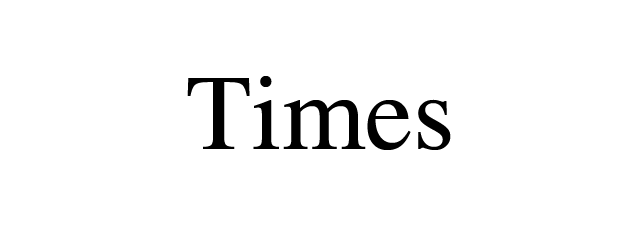
The Times font exhibits exceptional legibility thanks to its prominent contrast and compact design.
People are more familiar with this font as this is found everywhere from messaging apps to books and in the commercial projects as well.
Initially, the Times font was used in the print media like newspapers and thereby it started being associated with academic content and journalism.
This font is the most ideal choice for creating a known and formal feeling for a website.
Moreover, this font is also suitable for the websites with huge chunks of content like blogs and online newsrooms as it makes the content look symmetrical.
4) Times New Roman
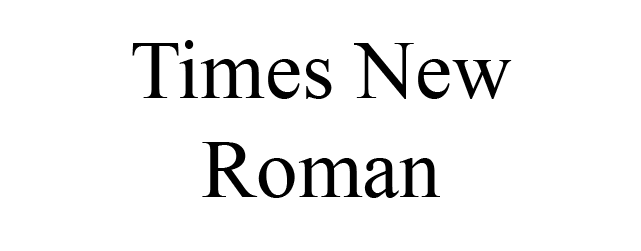
Times New Roman is a derivative of the original Times font within the serif font category.
This is a well-liked text typeface commonly utilized in printed materials like magazines and books. Additionally, it holds great popularity in HTML for its adaptability and readability.
Thanks to its professional font style, Times New Roman has emerged as the top choice for formal content featured in news publications and educational websites.
5) Helvetica
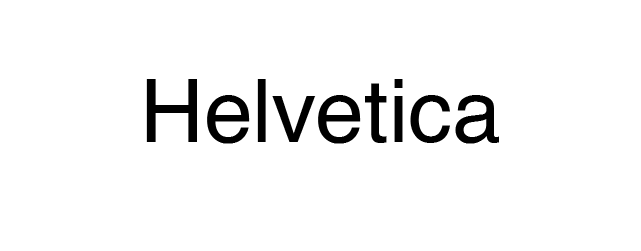
Helvetica stands as a versatile HTML font, thanks to its sleek design that complements various display contexts, although it may require fallback fonts like Arial on Windows systems.
The sans-serif font is used by various brands. Notable examples include Jeep, Microsoft, Motorola, and BMW, all of which employ Helvetica for their logos.
In addition to corporate branding, the U.S. government employs Helvetica on its tax forms.
Moreover, this font type is well-suited for smaller-scale applications, including text displayed on e-readers and mobile devices.
6) Courier
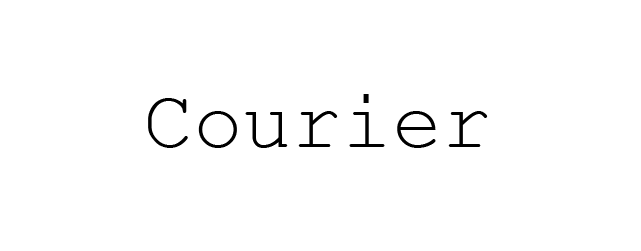
Courier is one of the most popular fonts in the Monospace category. It comes pre-installed on all operating systems.
Courier has also been established as a standard font for movie screenplays. Consequently, if your website is related to the film industry, it’s advisable to include Courier in your site design.
Nonetheless, given its decorative classification, it’s recommended to restrict its usage to headers and titles.
7) Verdana
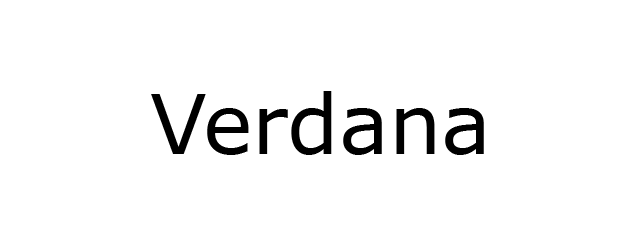
Verdana is a superb on-screen font, well-regarded for its legibility, even at smaller sizes and on low-resolution screens. This is largely attributed to its ample width and generous character spacing.
This font is not restricted to the on-screen typography. If you are in search for an HTML font that has good readability, this this font is an ideal choice.
8) Candara
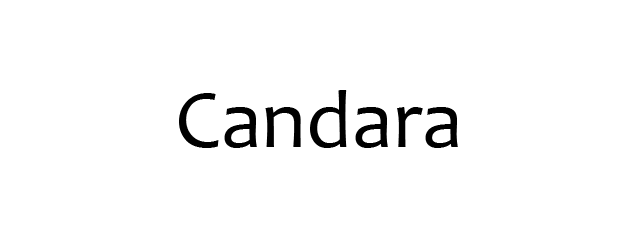
Candara was introduced with Windows Vista and is primarily available on Windows systems, so it may not be supported across all operating systems without fallback fonts.
Characterized by its expansive character spacing, this typeface excels in readability, rendering it an ideal choice for display purposes.
Furthermore, Candara achieves a modern appearance through its fluid curves and open forms, making it well-suited for informal typographic settings like blog post titles and website taglines.
9) Geneva
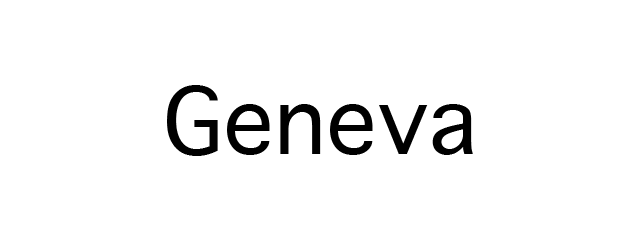
Geneva exudes a sleek and contemporary aesthetic, courtesy of its uniform length, width, and character spacing.
This font is remarkably versatile and finds application in both display and body text. Its bold colours and slender strokes ensure legibility at any size, achieved through its balanced spacing and consistent character dimensions.
10) Calibri
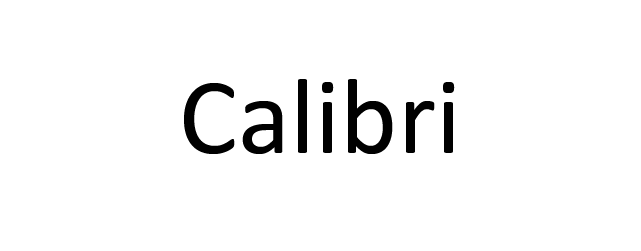
Calibri stands as a widely embraced and favoured typeface, serving as the default font in renowned software packages like Microsoft Office and Google Docs.
With the rounded lines and crisp style, Calibri emanates contemporary vibe.
Furthermore, Calibri demonstrates its versatility by performing admirably across a broad spectrum of text sizes, ensuring exceptional legibility for digital and screen displays.
Thanks to its clean and adaptable design, Calibri seamlessly integrates with a diverse array of websites.
11) Optima
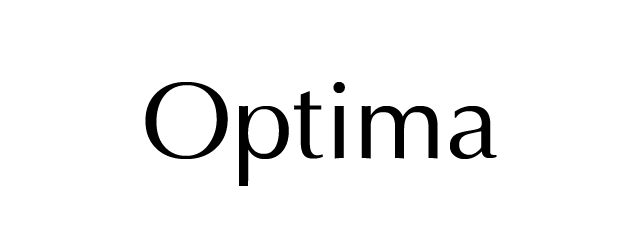
Optima draws inspiration from the classical Roman capital letterforms, creating an elegant impression through its generous spacing and harmonious strokes.
Optima provides the flexibility to customize the character spacing, allowing users to fine-tune their text presentation.
Although all spacing options are legible, widening the spacing enhances the font’s overall appeal, making it an even more harmonious choice.
12) Cambria
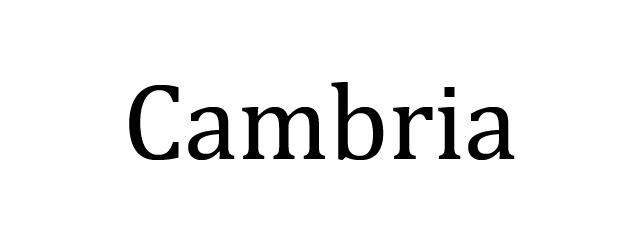
Cambria was meticulously crafted with consistent spacing and proportions, specifically tailored for a superb on-screen reading experience, even when presented in smaller sizes.
Its exceptional legibility owes much to its horizontal serifs, which distinctly highlight the endpoints of each stroke.
What’s more, Cambria exhibits remarkable versatility, enabling the seamless blending of its various font styles across headers, titles, and body text.
Writing styles offered by Cambria include regular, bold, italic, and italic bold variations.
13) Garamond
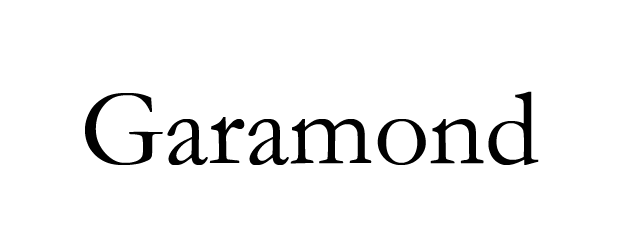
Garamond falls under the category of old-style serifs.
It’s a classic font that enjoys broad application in both print and digital media, gracing the pages of works such as Dr. Seuss’s books, Harry Potter volumes, and even the Google logo.
For websites aiming to infuse an antique yet enduring ambiance, Garamond proves to be an excellent choice.
14) Perpetua
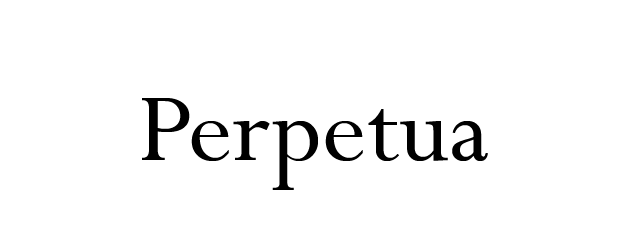
Perpetua exudes timelessness, and sophistication. This font was crafted by an English sculptor whose inspiration drew from monuments and memorial lettering.
The characteristics of this font have inspired The University of Pennsylvania and Penguin Classics to feature Perpetua font in their publication content.
This font is considered ideal for an informational or an educational page.
15) Monaco
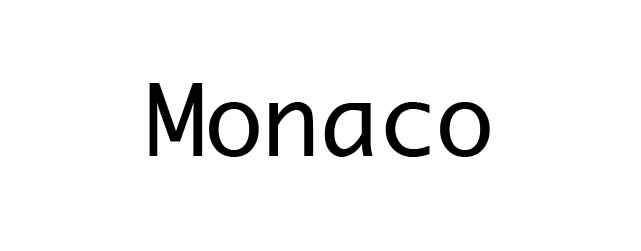
The Monaco font is used for the macOS X’s Terminal and Xcode applications.
This font belongs to the monospace font family and showcases a unique, pixelated design.
Owing to its distinctiveness, Monaco finds its ideal use in the decorative text of websites centered around coding or gaming.
16) Didot
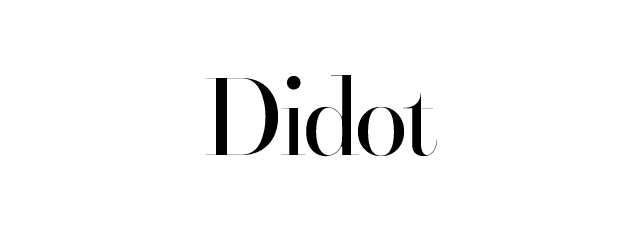
Didot is a neoclassical font that marries classical aesthetics with a modern touch.
You can spot this font’s distinctive design on CBS News and The Late Show with Stephen Colbert.
Recognized for its pronounced contrast and heightened stress, Didot truly makes a statement. If you’re seeking a striking display font for your website’s headings, taglines, or titles, Didot is a worthy consideration.
17) Brush Script
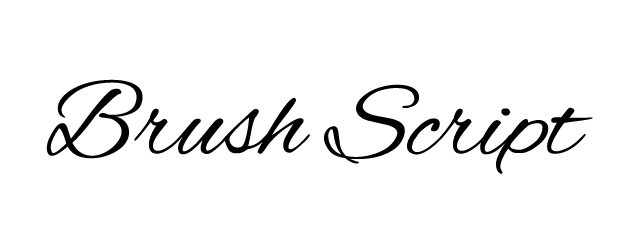
Brush Script is a contemporary script font with an easy going and informal flair.
Its calligraphic style draws from handwriting techniques, making Brush Script MT an elegant yet legible choice for your website’s display font.
This font works beautifully for landing pages and newsletter pop-ups. However, given its distinctive elements, it’s advisable to use Brush Script sparingly and in larger sizes for maximum impact.
18) Lucida Bright
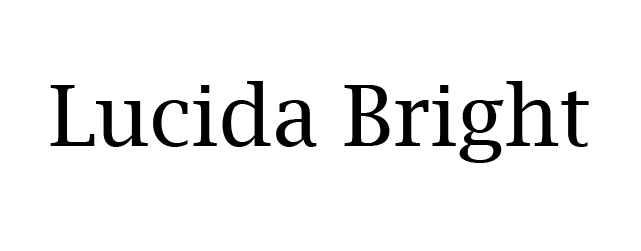
Lucida Bright falls under the category of slab serif typefaces and is recognized for its higher contrast compared to other Lucida font variations.
Its narrow design enables efficient use of space, making it a favourable choice for business reports, documentations, and magazines.
Notably, Scientific American magazine is among the distinguished users of this typeface.
19) Copperplate
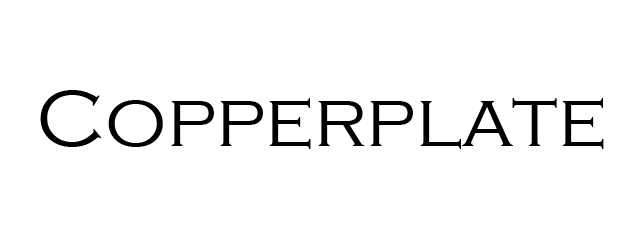
Copperplate falls under the category of monotone fonts, exclusively showcasing capital letters. It excels as a choice for enhancing the visual impact of business cards and letterheads, particularly for display purposes.
When applied to a webpage, Copperplate can serve as an excellent choice for making headers and titles stand out.
The popularity of this typeface skyrocketed when it was prominently featured in the trademark of the television show “Who Wants to Be a Millionaire.”
20) Comic Sans
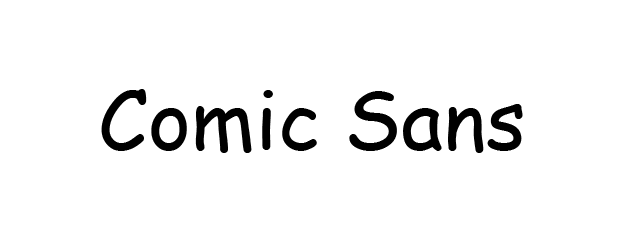
Comic Sans originated from the lettering style found in comic magazines, with a primary goal of exuding a friendly and informal vibe.
Nevertheless, Comic Sans is often deemed unprofessional and childlike by a substantial portion of the populace. There even exists a community advocating for the exclusion of Comic Sans as a font.
The font’s visual unpleasantness can be attributed to its subpar handling of visual consistency. The letters suffer from irregular spacing, varying widths, and inconsistent heights.
Why should you use an HTML web font?
Incorporating HTML supported fonts is essential for your web design, as it guarantees uniformity in text presentation across all devices.
The absence of an HTML web font poses the potential risk of alienating visitors, as your fonts may appear as indecipherable symbols when viewed on unsupported devices.
Here are some important reasons why you should opt for HTML web fonts:
Uniform Design: Use of the HTML web fonts rendered perfectly on any browser or device.
Font Fallback: In the event that your chosen font fails to load properly in a user’s browser, HTML web fonts will automatically switch to a default font available on the user’s device.
No Download Needed: You can easily embed the HTML font through any web-safe font provider to your HTML file.
How to manually add HTML fonts?
Manually adding fonts is an excellent choice for those who prefer to steer clear of plugins or desire to incorporate a custom font into their WordPress website.
Begin by hand-picking and downloading a custom font from a web font provider like Adobe Fonts, TypeNetwork, or Fonts.
After your selection, convert the font into a format suitable for web use. The Webfont Generator can be used for this purpose.
Once the file is in your possession, proceed to upload it into the wp-content/themes/your-theme/fonts directory.
Manually incorporating fonts with HTML can pose a challenge, as the HTML tag was deprecated in HTML 4.01 and is obsolete in HTML5, making CSS the recommended approach. Presently, individuals rely on CSS properties and HTML font style code to modify font-family attributes, colour, style, and other font characteristics.
Below is an example of how the inline CSS might look like an HTML element using basic HTML font style code:
<h1 style=”color:red;”>Inline CSS in Red</h1><p style=”font-family:Calibri; color:yellow;”>This is a paragraph in yellow text colour.</p>For newcomers, manually inserting HTML can be a perplexing and daunting task. Hence, acquiring a fundamental understanding of CSS and HTML can prove to be beneficial.
Related Read: Want to understand CSS better? Check out
what is CSS
and how it styles your HTML elements effectively.
How to add HTML fonts with plugins?
Numerous plugins are at your disposal for integrating HTML fonts into your WordPress website. Nonetheless, we’ve streamlined the choices to the two most widely favoured options.
Easy Google Fonts Plugin
Easy Google Fonts seamlessly retrieves fonts from the Google Fonts directory and is compatible with any WordPress theme.
To get started, install and activate the plugin. Next, go to Appearance -> Customize within your WordPress admin dashboard.
Within the customization options, locate Typography -> Default typography, which will display various text elements like headings and paragraphs.
Select the specific element you wish to style and choose appropriate font names for HTML from the available dropdown options. Then, head to the Font family tab and use the dropdown menu to make your font selection.
After you’ve made your font selection, you can further customize the weight, style, font size, and colour attributes while observing real-time updates.
Once you are content with the outcome, simply click on “Publish”.
Use Any Font (UAF) plugin
It is possible to upload any custom font with this plugin and UAF automatically converts it into a font that is web safe. After installing the plugin, you will see a “Use Any Font” tab on your WordPress admin bar. You have to click on this tab for activating the API key.
After completing the verification process, add the .tff, .otf and .woff font files and click on “upload”. This plugin will convert the custom fonts into web safe fonts. Moreover, UAF is also compatible with Flatsome that is used for live font customization for the Flatsome themes.
Conclusion
Incorporating an HTML web font will ensure a uniform appearance for your site across various devices. Moreover, it can contribute to achieving a professional, formal, or elegant aesthetic for the website, depending on the chosen font.
This article presents the 20 best web-safe fonts to help you decide from a comprehensive HTML font list. Let’s have a recap on some of the choices:
Arial: A timeless font suitable for a wide range of websites.
Times New Roman: Ideal for news and educational websites.
Cambria: A versatile choice available in regular, bold, italic, and italic bold styles.
Monaco: Perfect for websites related to coding or gaming, offering decorative text options.
Consider that every font possesses its own distinctive style, therefore, your quintessential choice should be a font that is not only easy to read but also reflects the essence of your brand.
FAQs
What is the difference between serif, sans-serif, and monospace fonts?
Fonts designed with Serifs have small embellishments on the ends of letters, which tend to give serif fonts an old-fashioned, formal feel. Moreover, Sans Serif has no such embellishments, so those typefaces have a clean and contemporary look. Finally, Monospace typefaces assign the same amount of space to each letter, resulting in a style that is perfect for programming and technical layouts. The differences among the three categories of fonts help to select appropriate HTML font families for your website design.
Why is font readability important for web design?
Font readability impacts the user experience quality. If a visitor struggles to read your message because of the poor selection of fonts, then they’re probably going to leave your site almost as soon as they enter it. Therefore, it is necessary to use the best font for HTML to ensure that the content is readable by all visitors across all devices.
Can I use Google Fonts in HTML, and how?
You can use Google Fonts in your HTML by either using a < link > tag that you received for the font of your choice or by importing it from your stylesheet via either a CSS or a JS block of code. Either way, once the font has been added to your website, you can use that font through the use of the font-family property within your stylesheet or .html file. Ensure your selected font is among the default web-safe fonts found in HTML and represents your typography on your web page.
What are fallback fonts, and why should I use them?
Fallback fonts are additional fonts specified in your CSS. These are available if your primary font does not display because of compatibility or loading issues. Using fallback fonts helps maintain consistency when reading and keeps the layout intact. This is important when using different font names for HTML on various devices and browsers.