 Jyoti Prasad

We live in an increasingly knowledge-driven economy.
With more and more information available at the fingertips of people, it’s natural that they now want to be educated about more subjects and things than ever before!
In fact, it wouldn’t be wrong to say that the businesses of the future will not sell products – they’ll sell knowledge.
No surprise that the number of e-Learning websites and tutors has increased significantly in recent years!
So, if you too want to create an e-Learning business, you’re on the right track.
However, the next choice that you have to make is that of choosing your own platform to build your business.
WordPress is the ideal solution for this purpose, and in the next section we’ll see why.
Table Of Content
Advantages of Choosing a WordPress-based LMS
There are a number of advantages you get when you decide to build your e-Learning business with help of a WordPress based LMS instead of a platform like Udemy or Coursera.
Here are a few of them:
- You remain in control of your business: Your content remains hosted on your site, and you’re solely responsible for its security, popularity, branding, marketing and everything.
- You can set your own prices: On other platforms prices are set as per their terms and conditions, and you also share a part of your earnings with them. Nothing like that when you post your course content on your own e-Learning site – every single penny that you earn goes to your account.
- You set the rules of your business yourself: Nobody can change the terms and conditions that affect your earnings in a arbitrary manner.
- Less competition, more independence: On other platforms there may be dozens of instructors teaching the same thing as you. If you create your own site, it’s just you and a few others who appear on the front pages of Google for your keywords.
These are a few of the many advantages in choosing WordPress and a WordPress-based LMS to create your e-Learning site. With that in mind, now let’s take a look at 6 popular and good LMS WordPress plugins available for this platform.
The 6 Most Popular LMS Plugins for WordPress
Though there are over a dozen of best LMS plugins for WordPress available, these 6 plugins have emerged as the most popular ones because of their features and scalability.
Below are the 6 best LMS WordPress plugins shortly explained:
#1. LearnDash
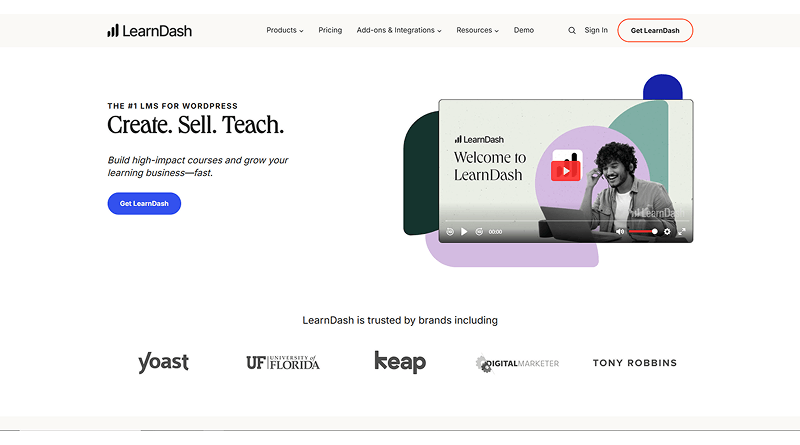
LearnDash is unarguably the most popular choice among various LMS plugins WordPress available out there.
In a short span of 7 years it has managed to emerge as the most popular LMS plugin in WordPress ecosystem. It has been used not only by individual trainers and coaches but also by corporates and universities for their e-Learning sites.
The significant features of LearnDash are as below:
- Easy to set up: You can set up your e-Learning site easily with help of this plugin, and there’s plenty of help available online in the form of forum discussions, articles and a robust support team if you get stuck somewhere.
- No shortage of themes: There are hundreds of LearnDash compatible themes available in the WordPress marketplace; which can make the whole setup of your site easier. And even if your theme of choice is not among them, the way in which LearnDash has been developed makes it work smoothly with any modern theme.
- Nifty add-ons and extensions: 100+ free as well as premium add-ons to add any feature you may want to add to your e-Learning site.
- Great student management features: Those include Group management, assignment management, grading, reward points, user profiles that can be managed from the front-end, etc.
- Solid monetization features: Those include compatibility with all popular shopping cart solutions (i.e. WooCommerce, EasyDigitalDownloads, iThemes Exchange etc.), course licensing, subscription-based pricing, one-time payment based pricing, ability to sell courses in bundles and membership options.
LearnDash also has a large community of developers and users who are always willing to help out each other. What it means is that whenever you need some help with your e-Learning site, there will be no shortage of helping hands.
Overall, we can say that LearnDash is unarguably the most scalable and versatile LMS option available in the market of learning management system WordPress plugin.
#2. LifterLMS
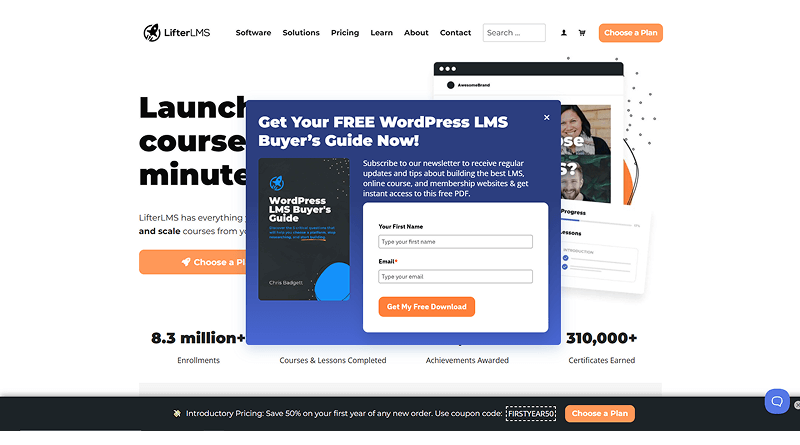
LifterLMS is a free LMS built for WordPress. However, the free thing about it is more theoretical than practical, because the way it has been built means that you’ll have to spend money on its extensions before you can go live with your e-Learning site.
The core Lifter LMS plugin WordPress itself is not enough to set up an e-Learning site – you’ll need at least a shopping cart and a payment gateway extension to work with it.
As far as features are concerned, here they are:
- All popular monetization features, including ability to add subscriptions, membership plans, recurring payments, bulk sales and course bundles.
- Works well with most modern WordPress themes. However, the number of themes developed while keeping its integration in mind is much less in comparison to LearnDash. So, while it may work well with the theme you choose for your site, you may not find too many themes that are designed for integration with its features, thus making the job of setting up your site a little trickier.
- Fairly large library of 52 add-ons that can be used to add any of the popular features that are found in e-Learning sites. However, it’s nowhere close to the huge library of extensions in LearnDash.
- Proper student management features like bulk enrollment, access management, detailed student reports, gradebook, email notifications, award badges, and much more.
- Finally, the support quality of LifterLMS is great despite its free status. You won’t be left looking for solutions on your own in case something goes wrong.
#3. WP Courseware
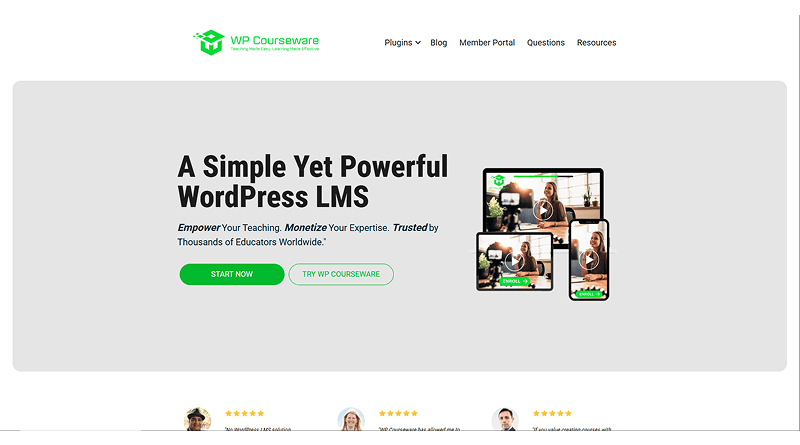
WP Courseware has been used by more than 21,800 instructors to sell courses on their websites. This level of success speaks to the product’s quality.
This makes WP Courseware one of the popular and best WordPress LMS plugins in WordPress ecosystem, with some of the best features integrated in the most promising manner. These include:
- Stripe and PayPal integration to accept payments. You can choose any payment model of your choice – subscription, one-time payment, course bundles and even payment in installments.
- Simple user interface and experience. They even allow you to check out a demo installation of their plugin before you purchase it to create your own site. You just need to register on their demo site, and they set up a sandbox installation for you that you can check out to analyze all features of the plugin before purchasing it.
- All popular student management features like drip delivery of content (gradual release of content automatically based on when a user signed up), quizzes and surveys, certificates that you can easily generate and distribute to your students once they complete a course, automated quiz grading and much more.
- Works well with most of the modern WordPress themes; though none of the popular themes market themselves as compatible with this plugin, which means that its compatibility might not have been tested with a lot of themes.
- Detailed documentation and training material available to help you set up your site easily.
WP Courseware is a premium WP LMS plugin in the WordPress ecosystem.
#4. Sensei
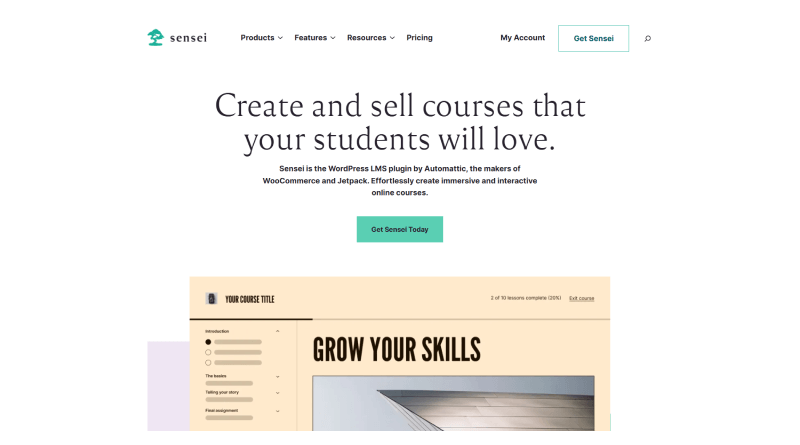
Sensei is a particularly special LMS because it has been developed by the same company that has developed WordPress and now owns WooCommerce.
As a result, it integrates seamlessly with both WordPress as well as WooCommerce.
Here are some of its key features:
- Integrates with WooCommerce Paid Courses extension and helps you sell your courses. Sell courses based on a one-time fee model or subscription-based pricing model.
- Dozens of compatible themes, and works well with other modern themes too that are compatible with WooCommerce.
- Quizzes, surveys, grading, course analytics and other common features required for student management
- Easy to use – anyone familiar with WordPress won’t find it difficult to use. And since WordPress is highly popular, your students too can find it easy to register and manage their accounts.
- However, being developed by the company behind WordPress doesn’t mean that all is great about it. If that would be the case then it would have been in the place of LearnDash.
- A major limitation with it is the number of extensions available. There are only 7 extensions available for Sensei, some of which add the features that are available as part of core functionality in other LMS WordPress plugins.
Besides, there is a huge learning curve associated with Sensei, it can be difficult to use from the start, unless you have some knowledge of coding.
#5. LearnPress

By now we’ve discussed two premium and two free WordPress LMS plugins in this article. Now let’s take a look at LearnPress.
With more than 90,000 active installations, LearnPress is the most popular best free WordPress LMS plugin available in the market. It’s also the second most popular LMS in the whole WordPress ecosystem after LearnDash.
Why so? Well, just take a look at its features and you’ll realize why:
- Integrates with all popular payment gateways – PayPal, Stripe, 2Checkout, Authorize.net, whatever. And of course, it also integrates with WooCommerce, but that functionality is a part of its Pro bundle.
- Empowers you to sell courses on a one-time fee model. Subscription-based and membership-based pricing models also available in the Pro bundle.
- 26 different extensions that can be used to extend its functionality with various common features.
The setup may be a little tricky, but detailed documentation, tutorials and a vibrant community available to help you set up your site easily. - Dozens of compatible themes; many of which have been developed by the developer of core plugin itself. Works well with the majority of other well-coded themes too.
As we explained in the beginning, the core plugin is free.
However, its Pro bundle which comes with additional features explained above at a premium price. That price tag is the cost of add-ons that come bundled with the plugin to enable the extra features. The pricing of core plugin remains free even in the Pro bundle.
#6. Namaste! LMS
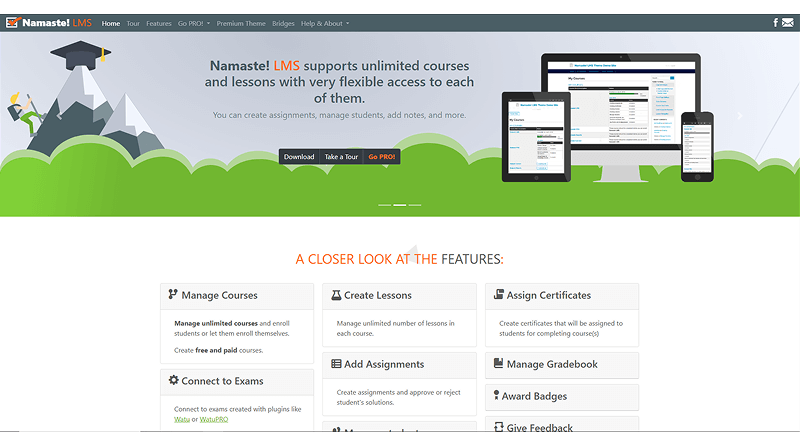
Namaste! LMS is a niche but effective LMS plugin available for WordPress as it has only 1000+ active installations, but that doesn’t mean it’s not feature rich enough to create your e-Learning site.
Another special thing about it is that it’s the only freemium LMS option in our list, which means that there’s both a free as well as a premium variant of the plugin.
As far as features are concerned, here they are:
- Automated as well as manual review-based student enrollment. Analyze student progress based on various parameters like passing an exam, completion of an assignment or even manual approval. You can also share the responsibility of student management among your team members (Pro feature).
- PayPal and Stripe integration for payments. A unique “School” account type that schools can use on your site to purchase your courses in bulk. Membership functionality can also be enabled with help of a free plugin.
- WooCommerce can also be integrated with help of a Bridge add-on in the Pro version.
- The developers have also developed a Namaste! Theme that integrates seamlessly with it. The theme comes at a certain price, and it works smoothly with the plugin. However, we can’t say how well this plugin integrates with other WordPress themes.
- 5 extensions developed by the company to add various features like membership based pricing, gamification, and a bridge to connect with other plugins.
- The best part is that you can try it before buying the Pro version.
- They’ve created a demo sandbox to which you can login and play around, gauging various aspects of its functionality.
Overall, it can be a good choice depending on how feature rich you want your e-Learning site to be.
#7. AccessAlly
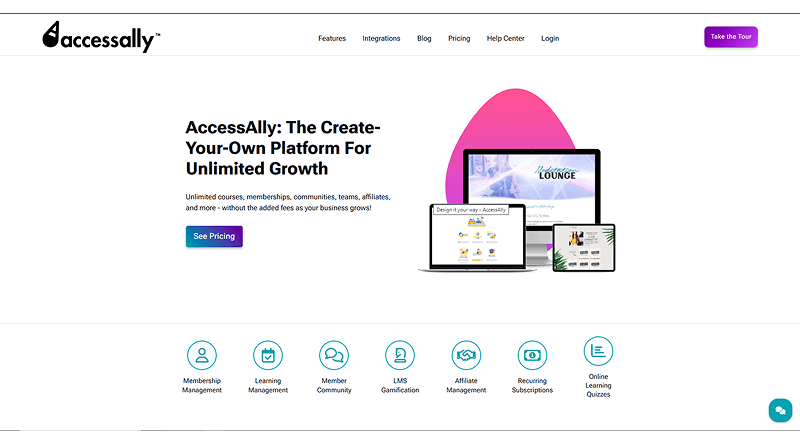
AccessAlly is not just another LMS for WordPress. It is a comprehensive platform that provides users with an all-in-one solution for managing their Learning Management System (LMS), membership management, and sales/CRM through the integration of all three functions.
Here are some of the most important features that AccessAlly offers:
- LMS, membership, and sales system: AccessAlly’s unique ability to support online courses, management of recurring payments, membership management, funnel management, affiliate management, and email integration creates an all-inclusive solution.
- Course builder: It has a drag-and-drop course builder that allows users to easily create and organize their courses using any combination of modules, lessons, quizzes, files, and multimedia content in a visually pleasing manner.
- Progress tracking and engagement: Students can see their progress through the use of progress indicators. They can also keep track of learning via progress tracking through visual progress indicators and bookmark audio and video content.
- Multiple quiz formats: Students can complete quizzes in three different formats: scored tests, graded assessments, and personality-style quizzes that give recommendations based on answers.
- Certificates and assignments: Easily create or upload PDF certificates that are generated automatically when a student completes a course. It also has the ability to submit assignments and homework directly in the Learning Management System.
- Memberships & sales tools integrated: Automatic renewals, order forms, coupon codes, one-click upselling, tracking of affiliates, bulk enrollments, and support for multiple currencies are all included with no need for additional eCommerce plugins.
- Integration with CRM & email: AccessAlly allows you to integrate with your existing CRM or email service to schedule follow-ups automatically, create behavioral tags, and send segmented messages based on learner behavior.
- Gamification & learner engagement: Point systems, badges, leaderboards, diary notes, and other gamification features are included to keep learners feeling engaged and to motivate them to continue participating.
- Theme variability: Because AccessAlly is built as a standard post type in WordPress and protected by tags, rather than custom post types, you will have greater control over course creation and can stay within your theme’s style guidelines.
- Migration tools: AccessAlly has developed several tools to ease the migration of content between LMS platforms and convert content from LMS plugins like LearnDash or Zippy Courses.
All in all, AccessAlly is a premium, scalable LMS provider designed for individuals who wish to integrate membership, learning, and revenue tools on their WordPress site.
#8. MasterStudy

The highly popular WordPress LMS plugin MasterStudy LMS Pro converts your WordPress site into a fully featured interactive online learning management system. Specifically targeted at trainers, teachers, institutions, or businesses that want to simply create, market, and manage their online courses, MasterStudy allows educators to have their courses online using both free and premium versions of the software.
MasterStudy’s provides a robust set of features, including:
- Course builder: Create structured online courses easily with a drag-and-drop builder that has sections, lessons, quizzes, etc. Supports Video, Text, Slide, Downloadables, etc.
- Student and instructor dashboard: Both students and instructors have their own dashboards. Students can monitor progress and see results. Instructors manage course content and ratings and interact with students.
- Advanced quizzing and assessment tools: MasterStudy includes an advanced quiz system with multiple question types, timed exams, attempt limits, and automatic grading.
- Monetization and payment integration: Sell courses individually or as bundles; integration with WooCommerce, Stripe, and PayPal; discounts; multiple currency support; and membership pricing. It helps choose a billing model that works best for your students.
- Live class & integrated capabilities: Comprehensive integration with Zoom and Google Classroom provides educators the ability to deliver live training and webinars conveniently in their LMS environment.
- Monitoring of student progress: Student performance and engagement statistics through monitoring of Student Completion Stats (SCS) and quiz scores enable educators to evaluate the overall success of their courses.
- Multimedia lesson content: Instructor-created lessons may include video content originating from multiple sources (e.g., YouTube, Vimeo, and self-hosted), text, images, and slides, as well as assigned SCORM files within each lesson, enabling highly interactive course experiences that are engaging for students.
- Theme integration and theme support: Based upon the experiences of some users with regard to integrating themes, users may encounter varying degrees of support from the MasterStudy LMS plugin. Educators should be prepared to perform some level of customization to achieve a fully compatible theme appearance.
Overall, MasterStudy LMS Pro is an outstanding plugin for WordPress learning management systems plugin for both educators and businesses, offering a range of toolsets. It offers flexibility and ease of use combined with robust capabilities, providing excellent advantages for all types of learners who desire to deliver high-quality learning experiences.
#9. Tutor
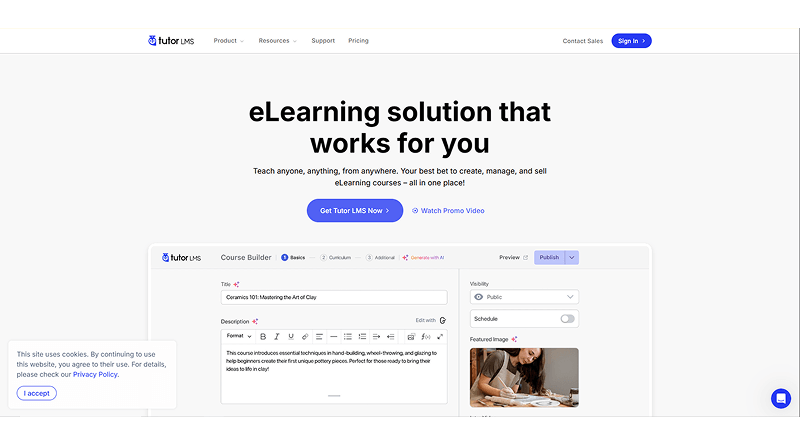
The Tutor LMS WP Plugin for WordPress is a best LMS plugin for WordPress which is most widely used and highly developed plugins designed to provide educators, businesses, and coaches the capabilities of creating, delivering, managing, and selling online courses. The Tutor LMS package has a combination of features, including powerful course authoring tools, monetization options, tooling for engaging learners, and marketplace capabilities, which make it an ideal option for many of those looking to set up an educational website on WordPress.
Core functionalities provided by Tutor LMS include:
- Comprehensive course authoring and unlimited content: With Tutor LMS, you can create as many courses, lessons, and quizzes as you want. This is done through several multimedia format options for creating and grouping lessons and creating advanced quizzes with many different types of questions.
- Flexibility in monetization options: This plugin has built-in eCommerce and subscription features, or you can connect to WooCommerce, Easy Digital Downloads, or member-based services like Paid Memberships Pro. With these options, you can sell your courses individually, as part of a bundle, through subscription models, or as part of a multi-instructor marketplace.
- Dashboard access for students and instructors: Tutor LMS provides both students and instructors with a view of their dashboard on the frontend. In addition to being able to see all of the courses they have enrolled in, they can also track their progress, view their earnings, and manage all their activities from the Dashboard.
- Marketplace and instructor commission: With Tutor LMS, administrators can support multiple enrollment sets. They can approve instructors, set commission rates, and automate revenue-sharing distribution through automatic enrollment on websites that operate as course providers.
- Gamification and certification: Tutor LMS offers a Certified Completion certificate builder that allows you to create unique certificates for students to download and distribute.
- Automatic email and automation: Tutor LMS has built-in automatic email marketing systems to provide automatic notifications based upon key activity triggers that include registrations, enrollments, completions, and inactivity—ensuring that you can keep in contact with users.
- Reusing and managing content: The Content Bank allows you to save lessons, assignments, and quizzes to any of your courses so you don’t waste time creating them again.
- Security and performance: Content security features included in Tutor LMS are copy-protecting, preventing hotlinking, sending email verifications, verifying two-factor authentication, and managing user sessions.
In summary, Tutor LMS is a comprehensive, scalable, feature-rich WordPress LMS plugin suitable to support large multi-instructor marketplaces and membership-based education or training. With its combination of course creation tools, flexible monetization strategies, and other tools, Tutor LMS is the top choice among all WordPress-based LMS solutions.
#10. ProProfs
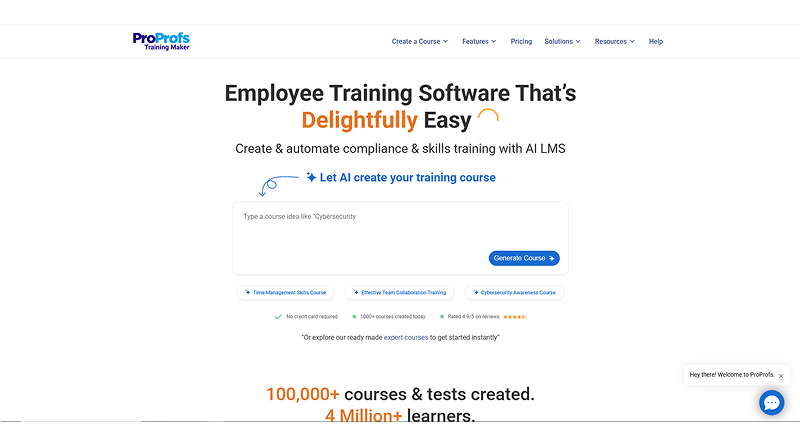
ProProfs Learning Management System provides companies with a comprehensive solution for employee training, onboarding, and compliance. Unlike other WordPress learning management systems, ProProfs learning management system WordPress plugin is an independent application to manage company-wide training programs easily. It has been enhanced with artificial intelligence capabilities to efficiently build courses and securely track employee training across teams and departments.
Below are the standout features of ProProfs LMS:
- Artificial intelligence course development: ProProfs uses AI technology to provide quick benefits by creating complete course outlines, quizzes, and content in a fraction of the time and with less manual labor than traditional methods.
- Advanced assessments and analytic tools: Administrators can create an unlimited number of quizzes and surveys through ProProfs LMS using powerful reporting tools. The tools automatically grade quizzes and track quiz score completion, time spent per page, and completion rates with analytics reports for both compliance and management.
- White-label branding and customization: Customize the LMS experience with your own logo, themes, domain name, and certificates so that training feels like a fully branded part of your organization.
- Mobile-friendly and accessible: Learners can access courses anywhere on any device, with mobile-optimized content and classroom features that support flexible, on-the-go training.
- Security and roles: Role-based permissions let you control access for admins, instructors, and learners, while SSO and data protections help secure sensitive training content.
- Not a native WordPress plugin: ProProfs LMS is a standalone cloud platform, so it doesn’t integrate directly as a typical LMS WP plugin. Instead, course access is managed via its own interface or embedded via links.
Overall, ProProfs LMS is a comprehensive LMS solution that blends AI-driven course creation, enterprise-grade reporting, robust integration support, and easy deployment—making it an excellent choice for businesses and training departments that want a powerful, all-in-one training platform without having to manage complex plugin stacks.
Wrapping up
Selecting the right platform and right LMS for your e-Learning site is a crucial step in the success of your business. If you mess it up, not only will you encounter a number of problems in the initial development stage of your site but also you can face problems in scaling your business as the number of learners and instructors increases on your site.
Therefore, we would advise you to choose an LMS from our list given here that comes with a rich library of extensions, is compatible with a large number of themes and easy to set up with professional quality support.
Also, you should take help of professional website developers to build your eLearning site, because the quality, professionalism and a seamless user experience are critical of any e-Learning site.
Starting with any of these LMSs will give you a solid foundation for your eLearning site.
So go ahead, get building!