 Jyoti Prasad
So here is the list of WordPress logo slider plugins to demonstrate the logos (or Showcase Logo) in a simple and effective way, It displays the list of sponsors and brands on your website that support your company, partners and customers with whom you work. So, ultimately, your visitors can easily see the brands that are incorporated with your company.
Today we will talk about the best WordPress logo plugins that can let you display and showcase your sponsor logos, brands, and partners.
Table of Content
Top Benefits of Using WordPress Logo Showcase Plugins
– Builds Trust and Brand Credibility
Logo showcase plugins streamline the process of displaying logos on your website, ensuring a polished and consistent visual experience. By displaying logos of sponsors, partners, or clients on your website, visitors will instantly build trust in you as a business. The presence of well-known brands connected to your company also increases your credibility and professionalism, making it easier for users to comfortably engage with your site or services.
– Improves Your Website’s Appearance
Using a logo showcase plugin will enhance the appearance of your website and provide a visually appealing presentation to your visitors. The use of clean grids, smooth motion sliders, and interactive carousels will make your site visually attractive while adhering to the current web design principles described above.
– Keeps Your Logos Organized and Easy to Manage
Managing multiple brands’/sponsors’ logos manually takes time and effort. The logo showcase plugin allows you to use a structured layout (grid, slider) to easily upload, categorize, and arrange logos without any technical skill set.
– Improves User Experience and Search Engine Optimization
Organized and structured logo displays help users navigate and engage with your site longer. A well-structured WP logo showcase responsive slider display helps search engines understand your site’s structure better, thereby improving overall site visibility.
Best WordPress Logo Showcase Plugins for Brands in 2026
1. Logos Showcase
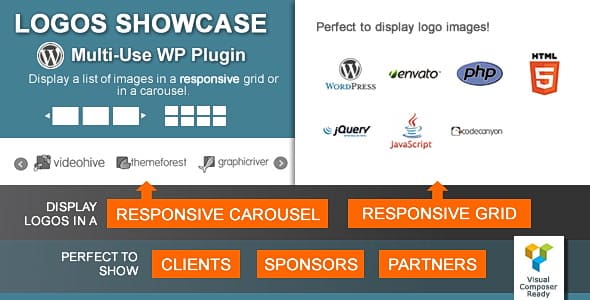
Logos Showcase: This premium plugin has a huge number of different functions. This includes several layouts and ways to display logos, e.g., adaptive, grid, and carousel.

This logo showcase plugin allows you to insert your logo collection in many ways. You can put a widget in the sidebar, footer or any other area that is suitable for the widget. The plugin also adds a component to the Visual Composer page builder that allows you to generate shortcodes and PHP functions.
Features:
- Display Logos in Grid, Responsive Grid & Carousel
- Custom Styles & Hover Effects
- Category Filtering & Live Filters
- Clickable Logos with URL & Click Tracking
- Shortcode, PHP Function & Widget Support
Link: Logos Showcase
2. Super Logos Showcase
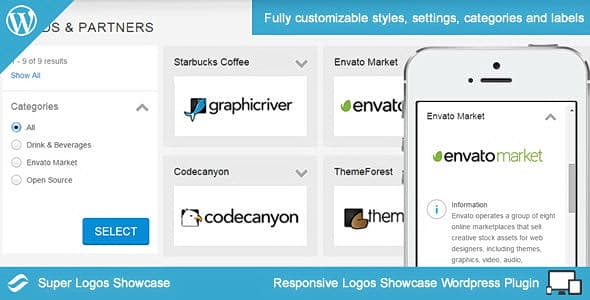
Super Logos Showcase: This premium plugin displays the logos in the grid. By clicking on the logo, it opens a dropdown window, where you can add information about each brand so that potential clients know a little more about your sponsors, partners, and customers.
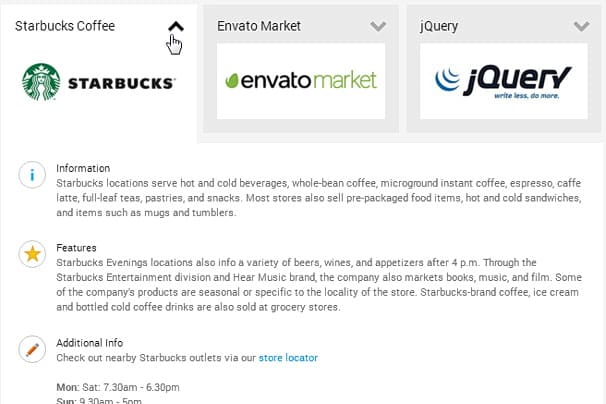
In the left sidebar, you can set the display type of the brand logos, which makes it super-easy for you to make logo showcases using WordPress plugins.
Link: Super Logos Showcase
Features:
- Showcase Logos, Brands & Sponsors
- Multiple Responsive Layouts
- Customisable Appearance & Effects
- Categorisation & Organising
- SEO-Friendly & Clickable Logos
3. Logo Showcase for WordPress
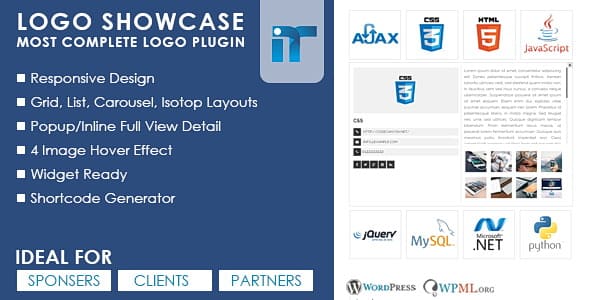
Logo Showcase: It is a premium WordPress logo plugin with several useful features. This includes displaying logos in the form of a grid or carousel.
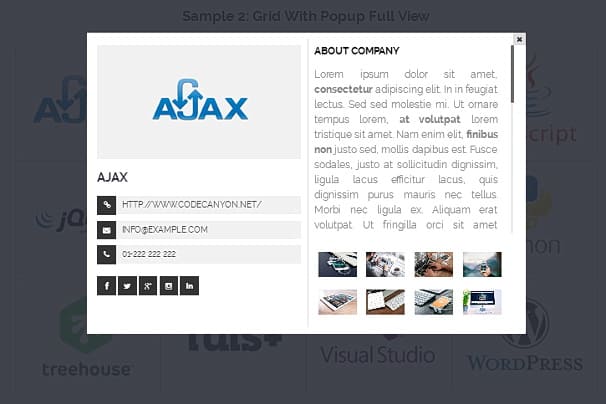
Also for each logo, you can add a description. A pop-up window, as shown above, will allow you to tell a little more about each brand.
Features:
- Multiple Display Layouts
- Responsive Design
- Easy Shortcode Generator
- Custom Logo Details & Effects
- Widget Ready & Browser Support
Link: Logo Showcase
4. My Logos Showcase
My Logos Showcase: A premium plugin that is rich in its features. Logos can be demonstrated in a grid or slider with different styles and animation effects.
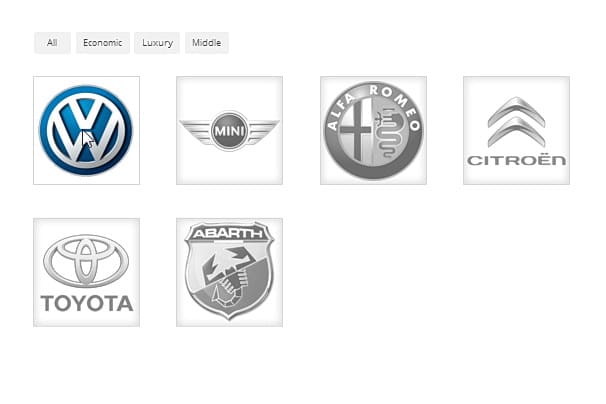
In fact, with this WordPress Partners plugin, you can create over 10,000 different combinations.
Features:
- 10 Predefined Responsive Themes
- Multiple Display Types (Grid & Slider/Carousel)
- Filter & Group Logos
- Custom Links & Tooltips
- CSS3 Animation Effects & Retina-Ready
Link: My Logos Showcase
5. WP Logo Showcase
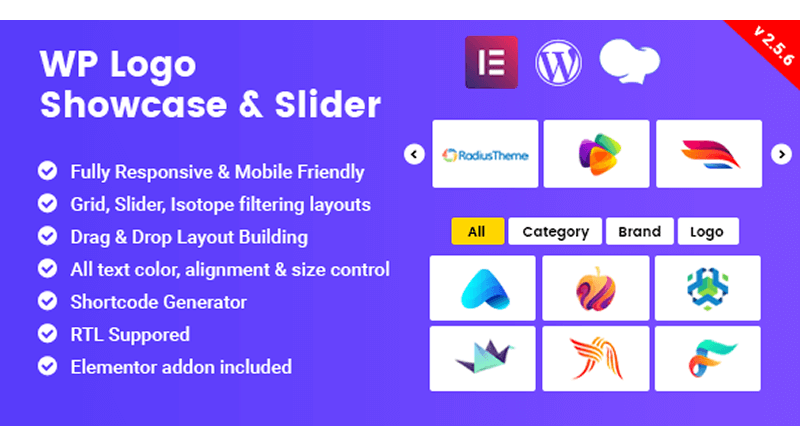
WP Logo Showcase: This premium wordpress logo slider plugin has 3 variants of marking: slider, mesh, and filter. The set includes a drag-and-drop builder, which allows you to create markings and logos to rebuild.
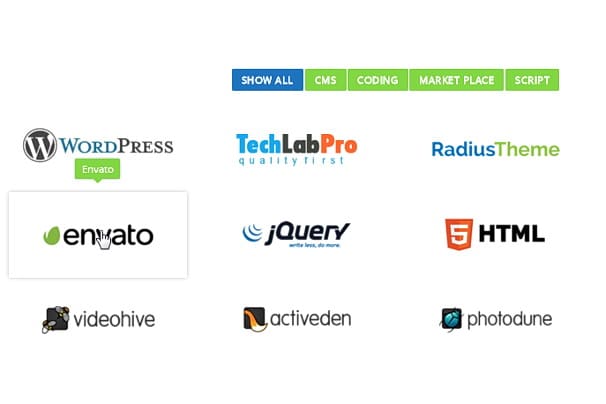
Some layouts can be sorted by category brands. Also here it is possible to generate an unlimited number of shortcodes.
Features:
- Fully Responsive with Multiple Layouts
- Unlimited Shortcode Generator
- Drag & Drop Layout and Logo Ordering
- Custom Logo Links & Effects
- Advanced Controls & Compatibility
Link: WP Logo Showcase
6. WordPress Logos Showcase

WordPress Logos Showcase: A simple but effective premium plugin. Logos can be displayed in a grid, carousel or term that you can see in the picture below.
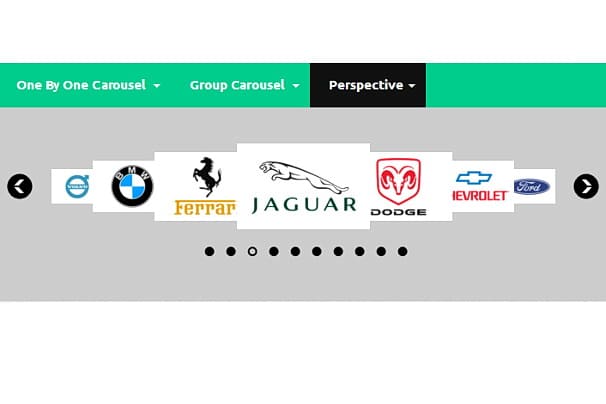
Additional features include the parameters of borders, grayscale, auto-playback, and support for touch-screen devices.
Features:
- Multiple Display Modes (Grid & Carousel)
- Responsive & Touch-Friendly
- Customization Options
- Auto-Play Carousel Support
- Multiple Instances on One Page
Link: WordPress Logos Showcase
7. Logo Carousel Slider
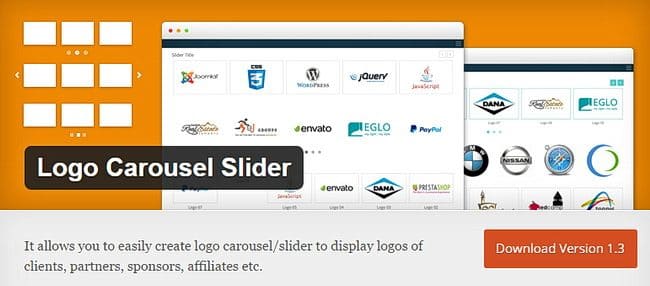
Logo Carousel Slider: It is a free logo slider WordPress plugin that has both free and premium versions. The free version is quite simple, but it contains a lot of different styles, three of which you can see in the image below.
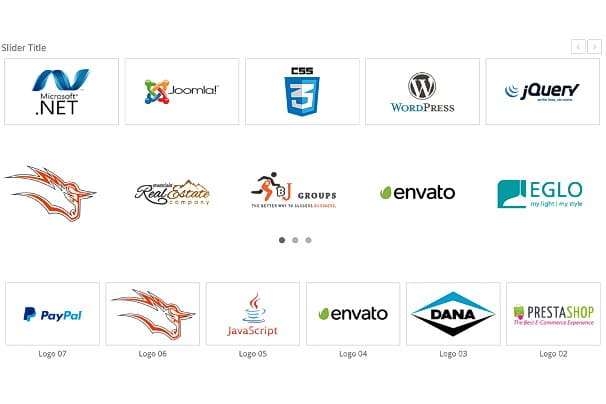
The plugin is easy to use. All you need to do is upload your logos and insert shortcode to where you want them to be displayed.
Features:
- Responsive Logo Carousel/Slider Display
- Touch & Swipe Enabled
- Custom Logo Controls
- Autoplay & Navigation Options
- Lightweight & Translation-Ready
Link: Logo Carousel Slider
8. Divi Carousel Lite
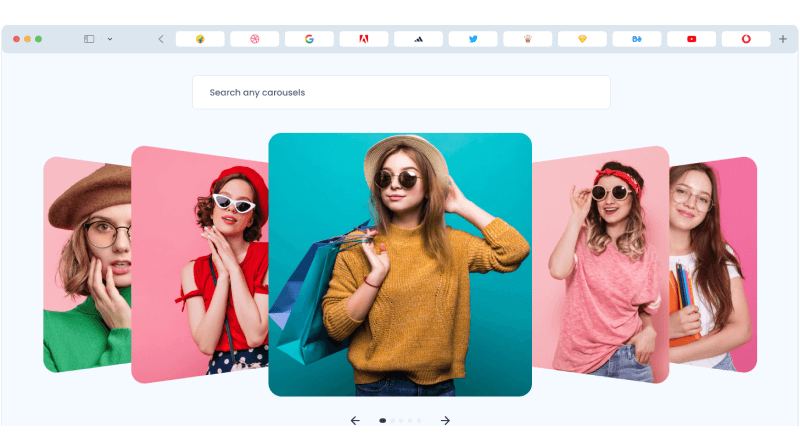
Divi Carousel Lite is a logo showcase WordPress plugin that allows users to create images and logo carousels for their websites. With the help of this plugin, it is easy to use, lightweight, and SEO-friendly. It also offers customization options and RTL support.
Additionally, Divi Carousel Lite also helps to create carousels to display information to visitors without using a lot of space.
Features:
- Divi-Focused Carousel Plugin
- Image & Logo Carousel Modules
- Carousel Maker Module
- Responsive & Touch-Enabled
- Lightweight & Customizable
Link: Divi Carousel Lite
9. Logo Carousel (Free)
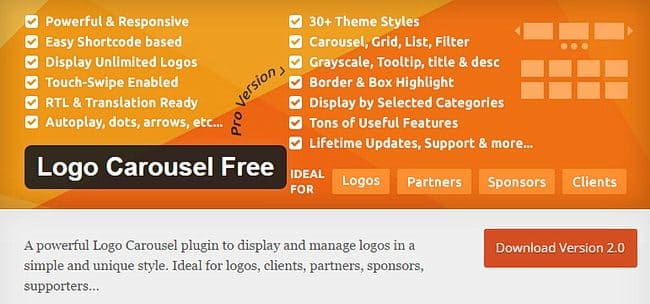
Logo Carousel (Free): As the name suggests, it is a free WordPress logo slider plugin beneficial for displaying logos in the carousel. To display the sponsors and brand logos on the website, it uses bullets and numbering as visual cues.
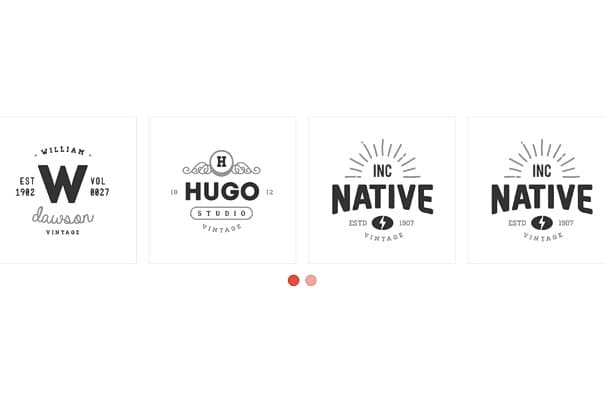
The plugin also has a premium version with top features where users can showcase their WordPress partner’s plugins.
Features:
- Responsive Logo Carousel & Showcase
- Easy Shortcode Generator
- Unlimited Logo Carousels
- Customisation Options
- Translation & Builder Support
Link: Logo Carousel Free
10. Logo Showcase with Slick Slider
If you are looking for an easy way to display the logos of your clients, partners, or sponsors on your website, Logo Showcase with Slick Slider can be the right option.
uses its own library to create responsive carousels, sliders, or grids for showcasing your logos and has shortcodes that help you simplify the interface of your website.
Features:
- Responsive Slick Slider Integration
- Easy Logo Management
- Custom Links & Clickable Logos
- Shortcode-Ready for Anywhere Placement
- Lightweight & Translation-Ready
Link: Logo Showcase with Slick Slider
11. MetaSlider
MetaSlider is one of the popular WordPress plugins used as a logo showcase WordPress plugin. It allows you to create responsive sliders, galleries, and carousels for your website with the plugin effortlessly.
It’s known for its user-friendly interface that has a wide range of features, such as easy drag-and-drop functionality, multiple content supports, including images, videos (YouTube, Vimeo), layers (text, HTML), WooCommerce products, and even post feeds.
Features:
- Responsive Slider, Carousel & Gallery Builder
- Easy Drag-and-Drop Interface
- SEO-Friendly & Caption Support
- Unsplash Integration
- Flexible Content Options
Link: MetaSlider
12. Post Vertical Scrolling Widget
Post Vertical Scrolling Widget is a plugin that offers a widget as well. It gives the user multiple functionalities, like the ability to create sliders and carousels displaying your partners, sponsors, or others.
Additionally, its widget is specifically designed to display posts in a vertical scrolling format. With its high customization options, users can easily showcase the logos of their brands and sponsors without struggling with the codes.
Features:
- Responsive Post Sliders & Carousels
- Multiple Layout Options
- Custom Query & Filtering
- Navigation & Display Controls
- Shortcode & Widget Support
Link: Post Vertical Scrolling Widget
13. WooCommerce Brands
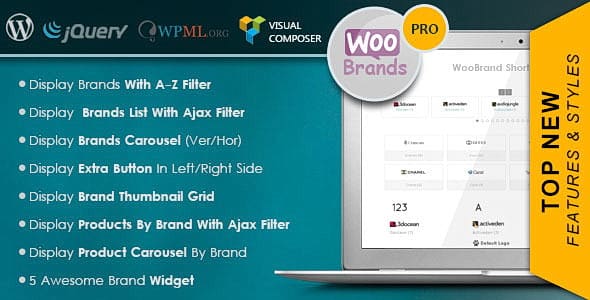
WooCommerce Brands: It is a plugin that is significantly different from other plugins. With it in your shop, you can create individual pages for specific brand products. Brands can be arranged alphabetically or by style.
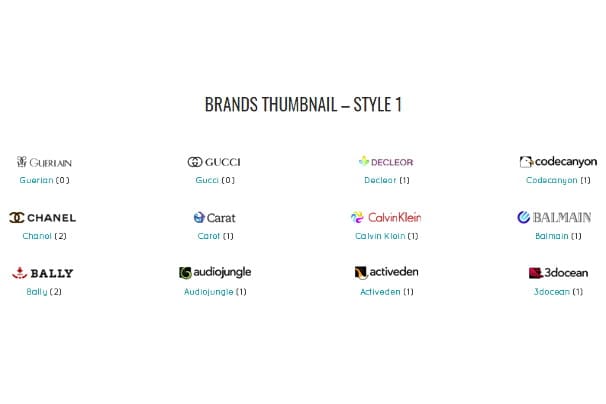
You can create the same grid or carousel layout like the previous plugins. These markings can be used as a widget in the sidebar or footer of your store.
Link: WooCommerce Brands
When looking for a WordPress plugin to display logos, consider these features:
– Responsive Layouts
Your logo showcase will look good on all devices, including phones, tablets & desktops. Responsive layouts allow for perfectly sized logos—there’s no distortion, and the logos are always easy to see.
– Styling & Customization Options
Customizing your Elementor logo showcase is essential for your site branding. Great WordPress logo showcase plugins give you complete control over the size, spacing, color, hover effect & animation of logos so they blend seamlessly into your website’s design.
– Grid and Carousel Layouts
The availability of multiple layout options, such as grid & carousel styles, means you can display logos in whichever way makes the most sense for your content strategy. Using different layouts enables you to highlight sponsors/partners without overloading your page.
– Clickable Logos and External Links
Making logos clickable and linking to sponsor/partner sites provides an additional layer of interactivity to your site. This enhances the highlighting of collaboration, indicates partnership, and provides additional weight to your overall credibility.
– Management & Setup Made Easy
You can easily manage your logos using intuitive interfaces, including shortcodes, widgets, or drag-and-drop functionality. With just a few simple steps, even a non-technical user can quickly update logos and place them on any page in a straightforward manner!
The best is to review each of the plugin and choose the one you want and need. These are the plugins that do the same task, so you only need to install one.
I hope this list and guide to the WordPress plugins have helped you to know better what you need for your blog or your website.
Looking for WordPress Managed Hosting India? Look no further than MilesWeb Hosting!!
FAQs
How do I show sponsors on WordPress?
A website user who has sponsors needs to showcase their sponsors on the website in a highlighted section. Thus, to showcase the sponsors on WordPress websites, the ideal way is to create a slider or carousel using the above-mentioned plugins from our list. They do your work effortlessly, minimizing your tasks.
How do I use a logo showcase in WordPress?
The easiest way to use a logo showcase in WordPress is by utilizing popular plugins, like those mentioned in the blog. These WordPress plugins offer user-friendly interfaces and shortcodes. With the help of these, you can upload logos, choose a layout (carousel, grid, etc.), and then showcase the logo anywhere on your website.
Are there any benefits to showcasing sponsors on my website?
Absolutely! Showcasing your sponsors, their logos, or partners on your website has several benefits, including increased brand awareness, credibility, and networking opportunities. Moreover, a well-designed sponsor showcase adds visual charm to your website, brings your sponsors’ target audience, and serves as social proof that influences visitor perception.
Will showcasing my sponsors affect my website?
Showcasing sponsors on your WordPress site doesn’t take away your website’s popularity. In fact, it boosts your website in several aspects, like an increase in traffic, credibility, and users’s trust. In addition, if you showcase your sponsors, you can positively negotiate more sponsorship deals with others as a generative revenue stream.
Why is the WordPress Logo Plugin important?
WP logo Showcase Plugins are important for various reasons. Some of them include the user-friendly ways in which a user can upload and display logos on their websites. Also, plugins offer customizations of the layout (grid, carousel, etc.), navigation, and appearance of your logo showcase to match your website’s design.